
AI Watermark & Text Remover
Remove all text, watermarks, and writing from images while preserving the background and natural appearance
AI Text Remover
3.5
Text Remover History
No images yet
Generated images will appear here
Before & After Examples
Watermark Removal
Before

After
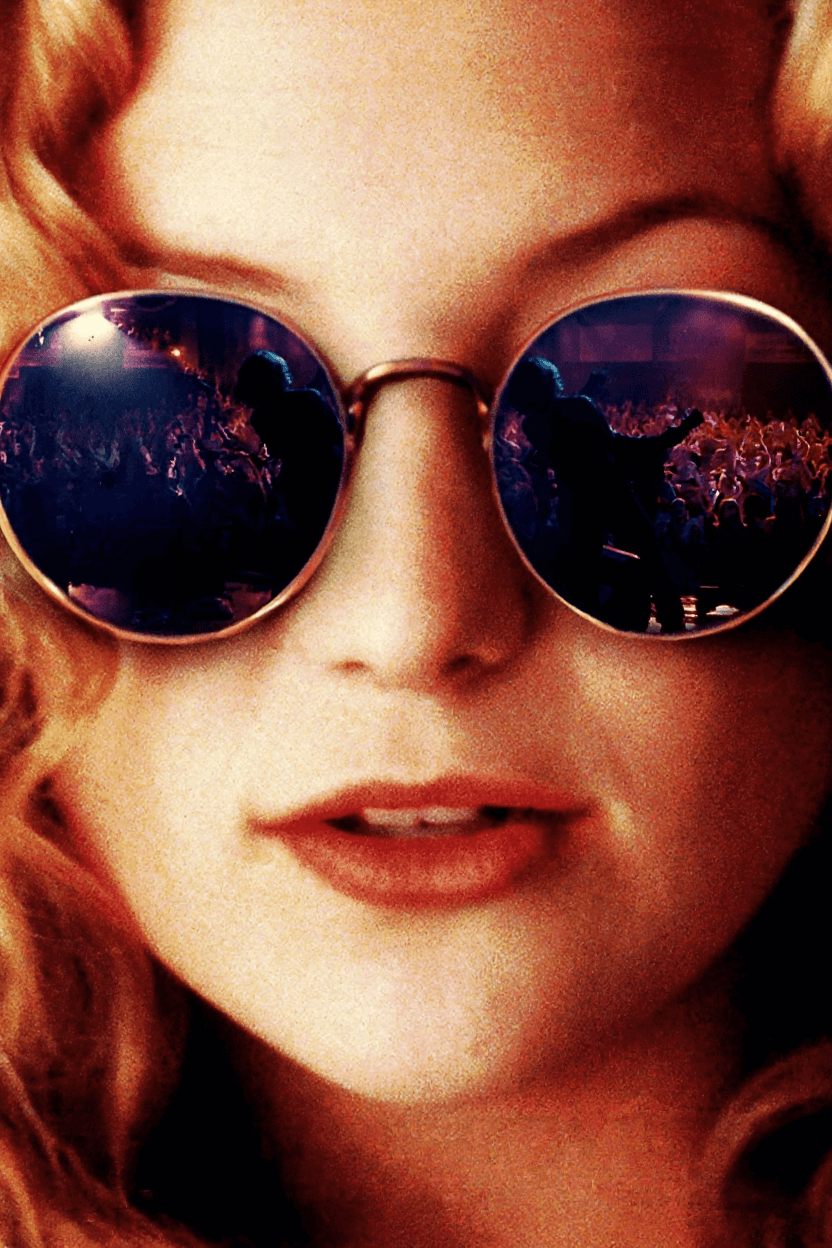
Text Overlay Removal
Before

After

Why Choose Our Tool?
Preserve Quality
Maintains original image quality while removing unwanted text
Smart Detection
AI automatically detects and removes text, watermarks, and overlays
Fast Processing
Get results in seconds with our optimized AI model
How It Works
1
Upload Your Image
Simply drag and drop or click to upload any image containing watermarks or text you want to remove.
2
AI Processes Your Image
Our advanced AI automatically detects all text elements and intelligently removes them while preserving the background.
3
Download Clean Image
Get your processed image with all watermarks and text removed, ready to use anywhere.
AI 水印和文字移除常见问题
我们的 AI 可以移除各种文字元素,包括水印、标志、字幕、叠加层、时间戳、签名和图像中的任何书面内容,同时智能地保留底层背景。
AI 分析周围的像素和图案,智能地重建移除文字的区域。它使用先进的修复技术来确保无缝、自然的结果,与原始背景的纹理和颜色相匹配。
我们支持所有常见的图像格式,包括 JPG、PNG、WebP 和大多数标准格式。每张图像的最大文件大小为 5MB,以确保最佳的处理速度。
大多数图像会在 5-10 秒内处理完成,具体取决于图像大小和复杂程度。较大的图像或包含多个文字元素的图像可能需要稍长时间。
提示强度(1-10)控制 AI 移除文字的激进程度。较低的值(1-3)对于精细的水印更温和,而较高的值(7-10)对于粗体、显眼的文字效果更佳。默认值 3.5 在大多数情况下都很好用。
公开模式允许您处理的图像可能(匿名)用于模型改进,而私密模式确保您的图像在完全隔离的环境中处理,并在处理后立即删除。
是的!AI 擅长从复杂背景中移除文字,包括图案、渐变、纹理,甚至是人脸或详细场景。它智能地重建这些区域以保持视觉连续性。
不会,工具保持原始图像质量。只有包含文字的区域会被修改,AI 确保这些修改与图像的其余部分无缝融合,不会损失质量。
是的,AI 会在一次处理中自动检测并移除所有文字元素。无论您有一个水印还是多个叠加层,它们都会在一次处理操作中全部移除。