
Seedream 4.0 AI - Advanced Image Editor
Transform and edit your images with the powerful Seedream 4.0 AI model - achieve professional-grade image editing with simple text prompts
Seedream 4.0 AI Editor
Seedream 4.0 Result
Examples: See what Seedream 4.0 can do1 / 2
Before

After
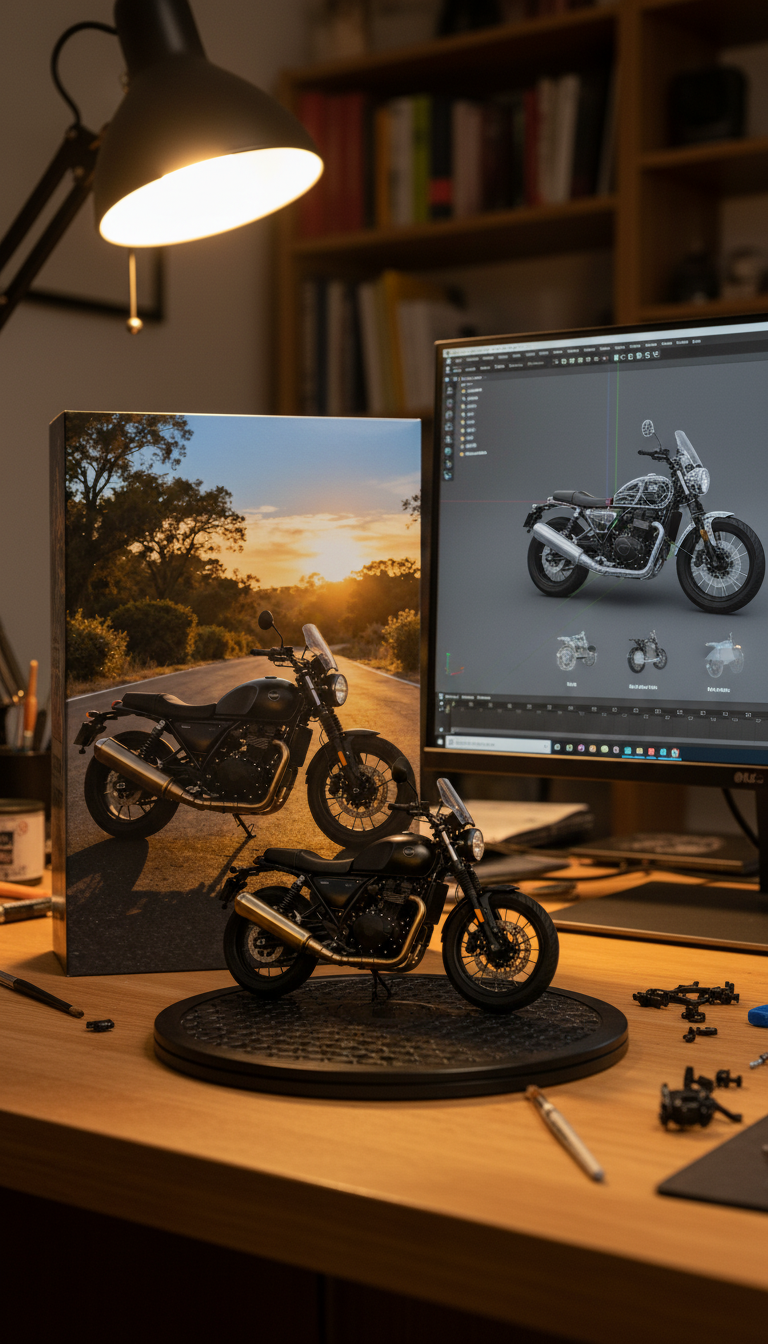
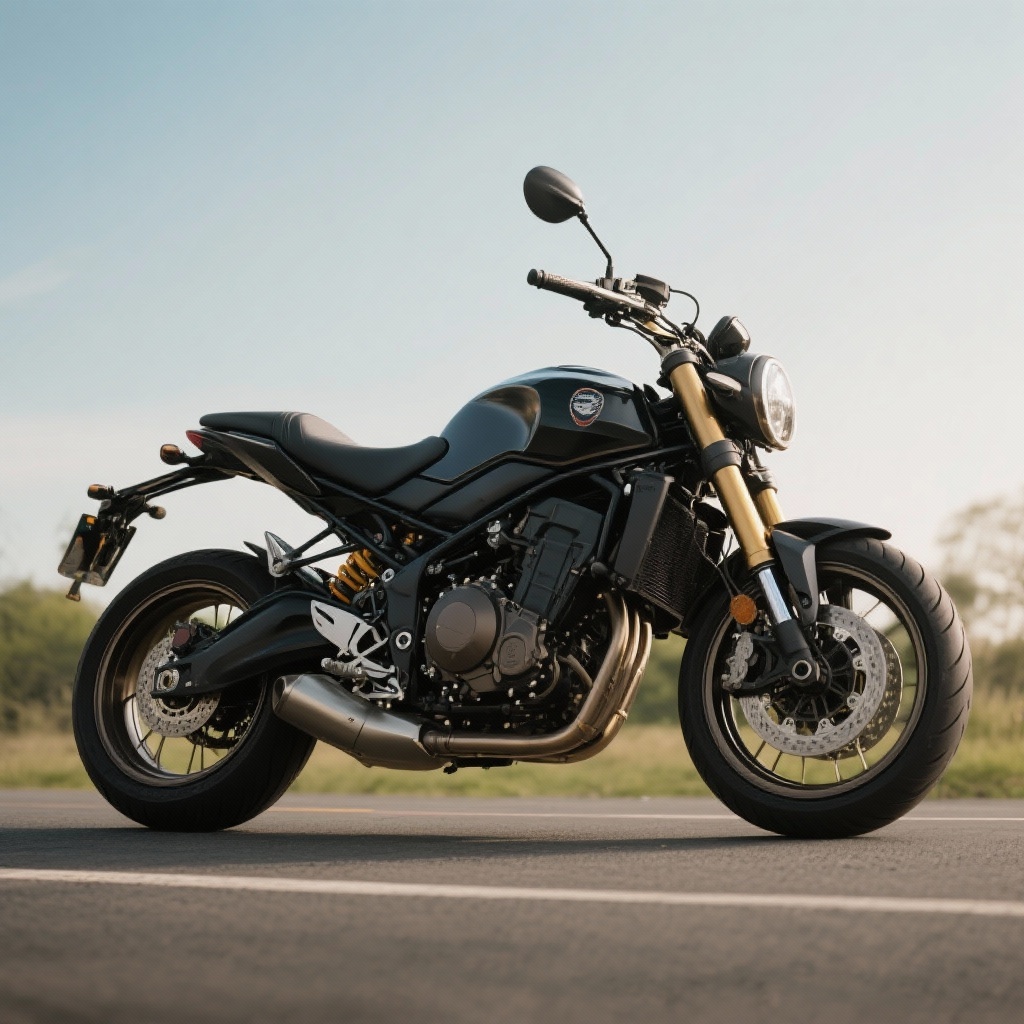
Prompt used:
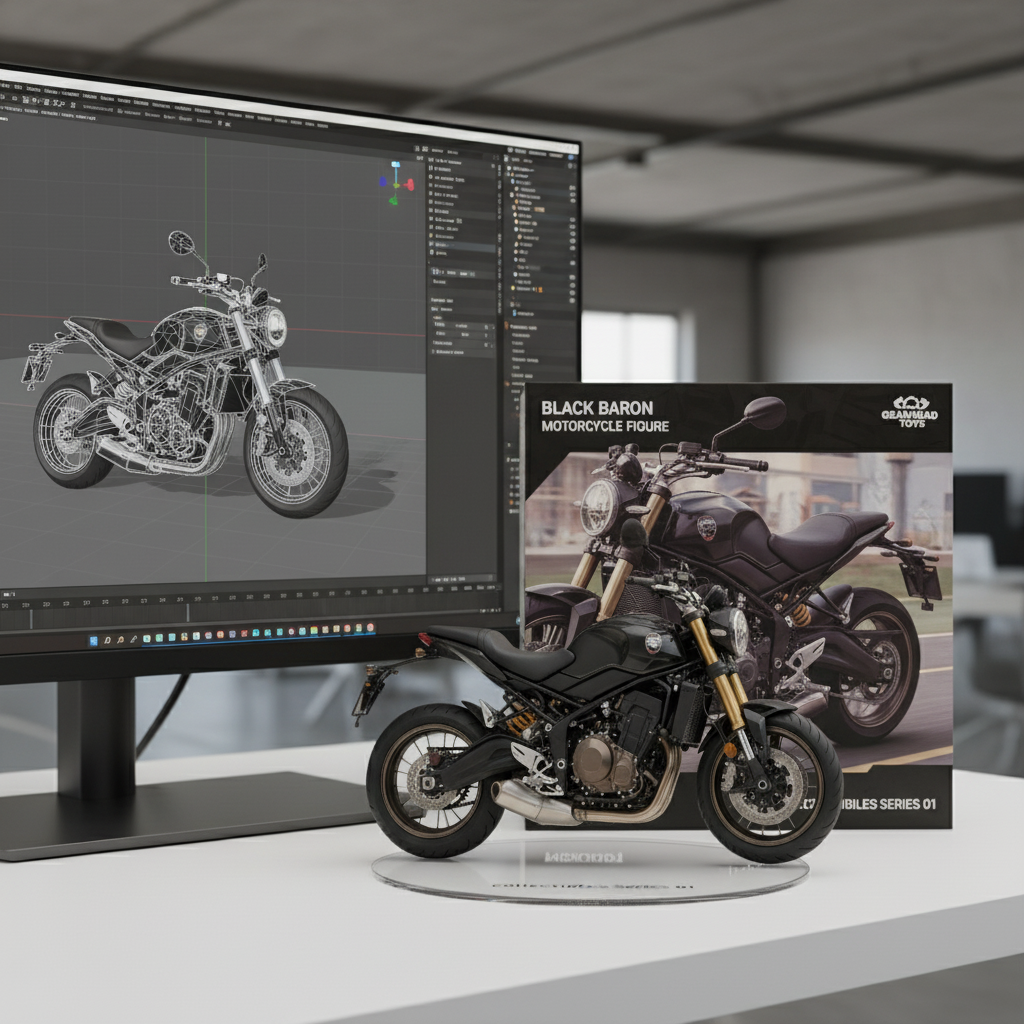
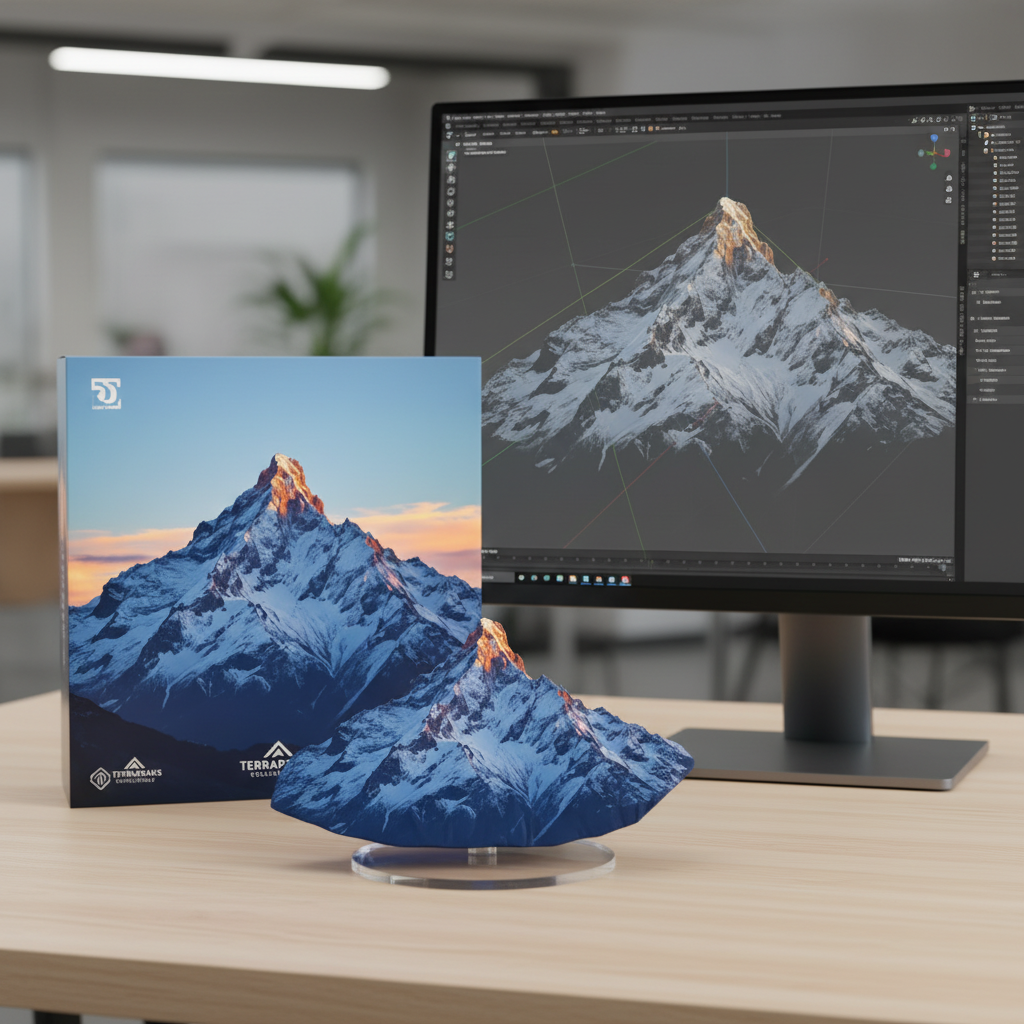
"Turn this image into a motocycle figure. Behind it, place a box with the motocycle's image printed on it, and a computer showing the Blender modeling process on its screen. In front of the box, add a round plastic base with the motocycle figure on it. set the scene indoors if possible"
Before
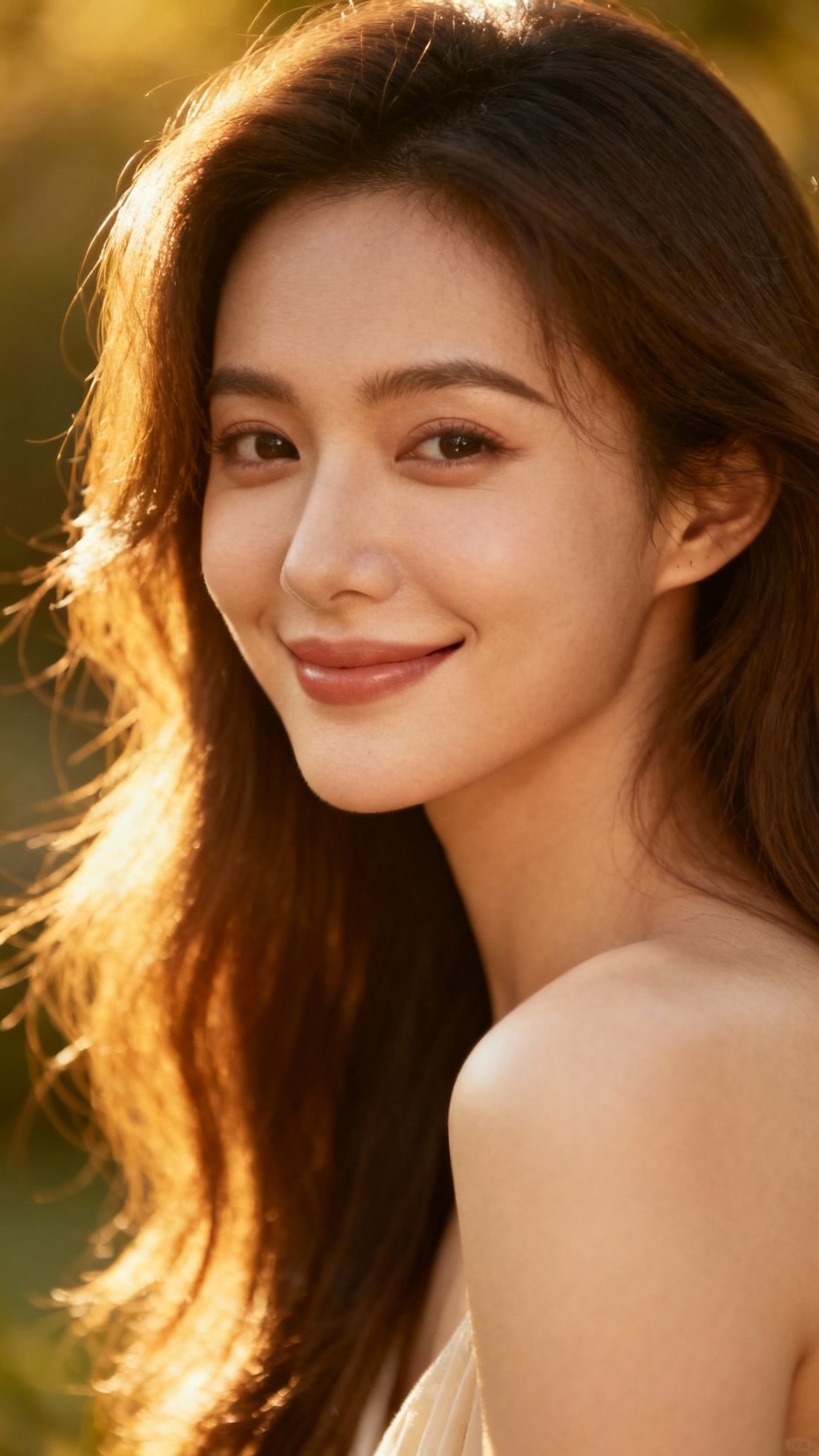
After
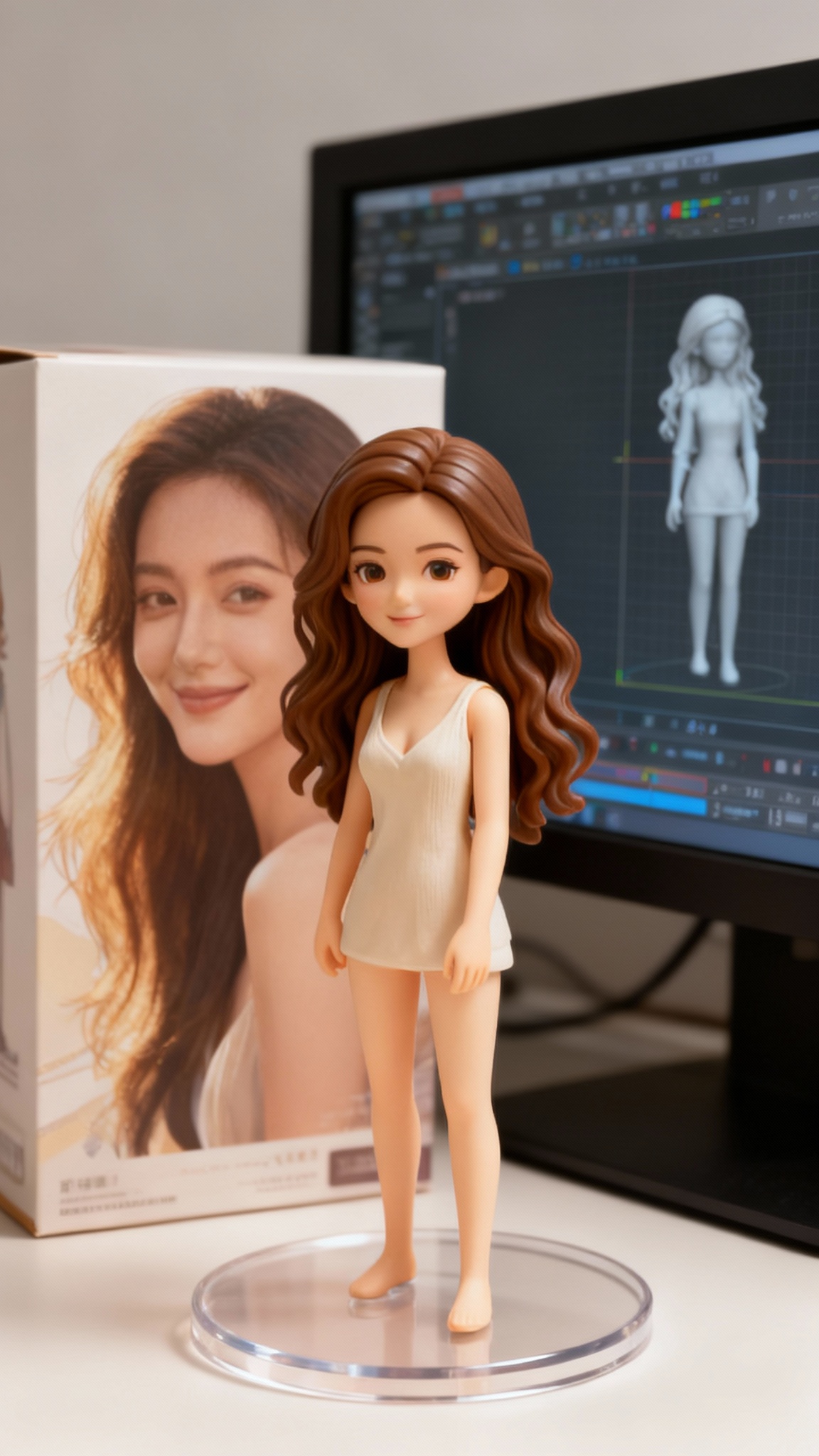
Prompt used:
"Transform this anime character into a collectible figure product showcase: Create a physical PVC figure standing on a clear round base, place a product box with the character artwork behind it, and add a computer monitor showing the 3D modeling process in Blender."
Click on images to view full size • Swipe or use arrows to see more examples
Seedream 4.0 Model Examples
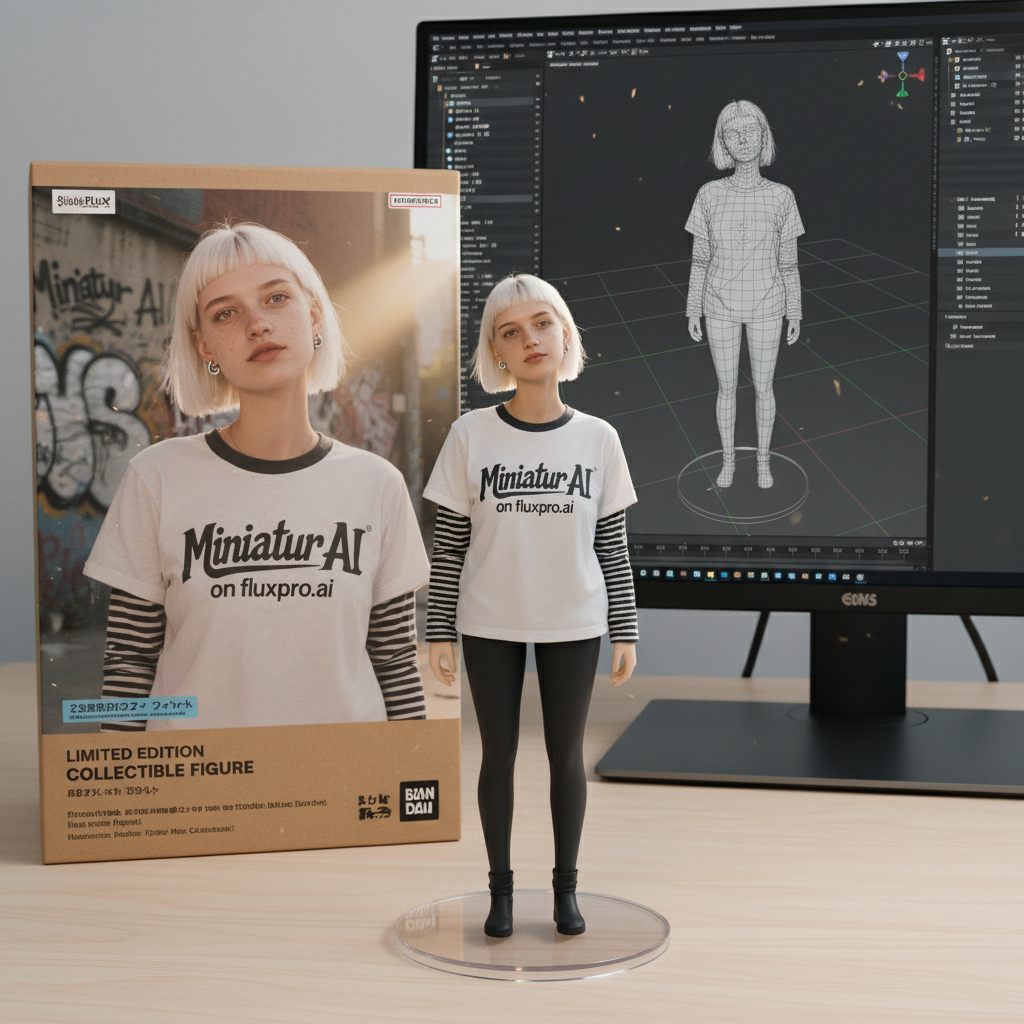
Photorealistic Miniatur AI
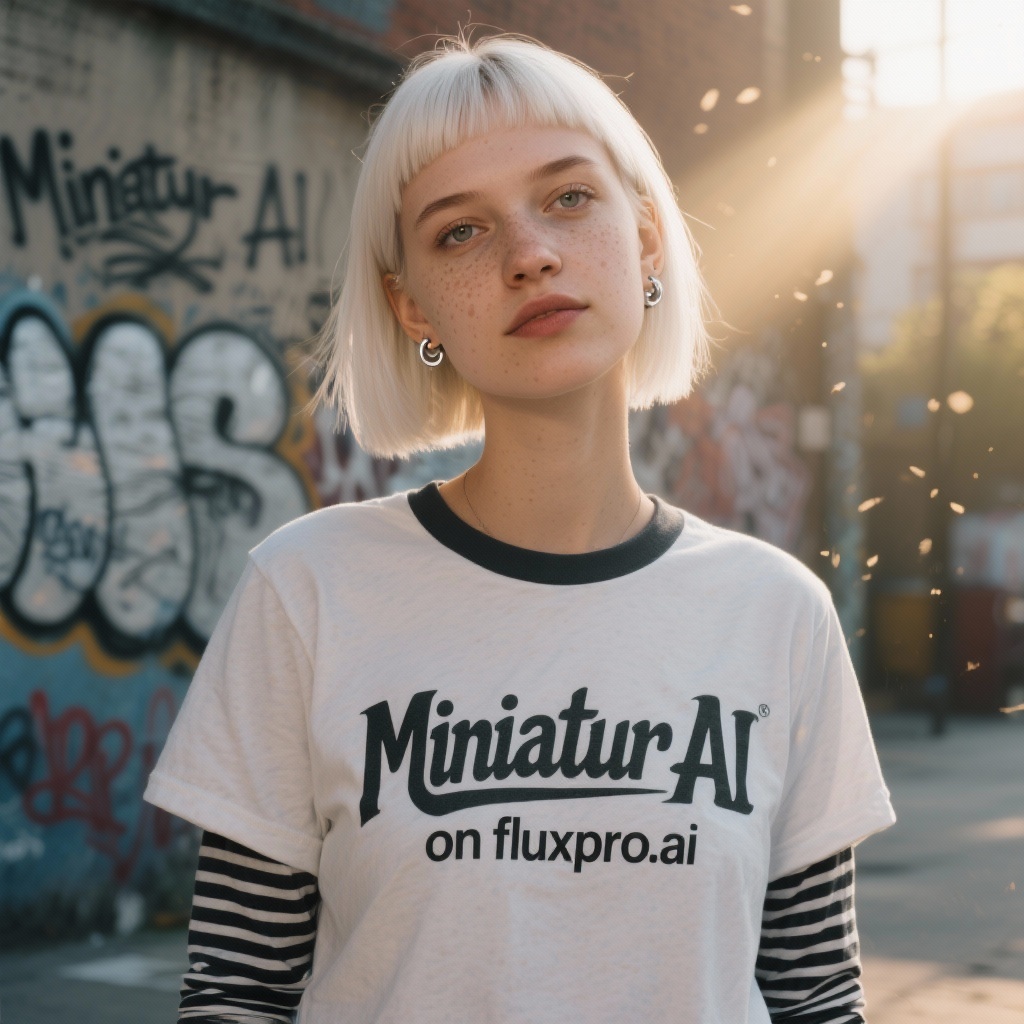
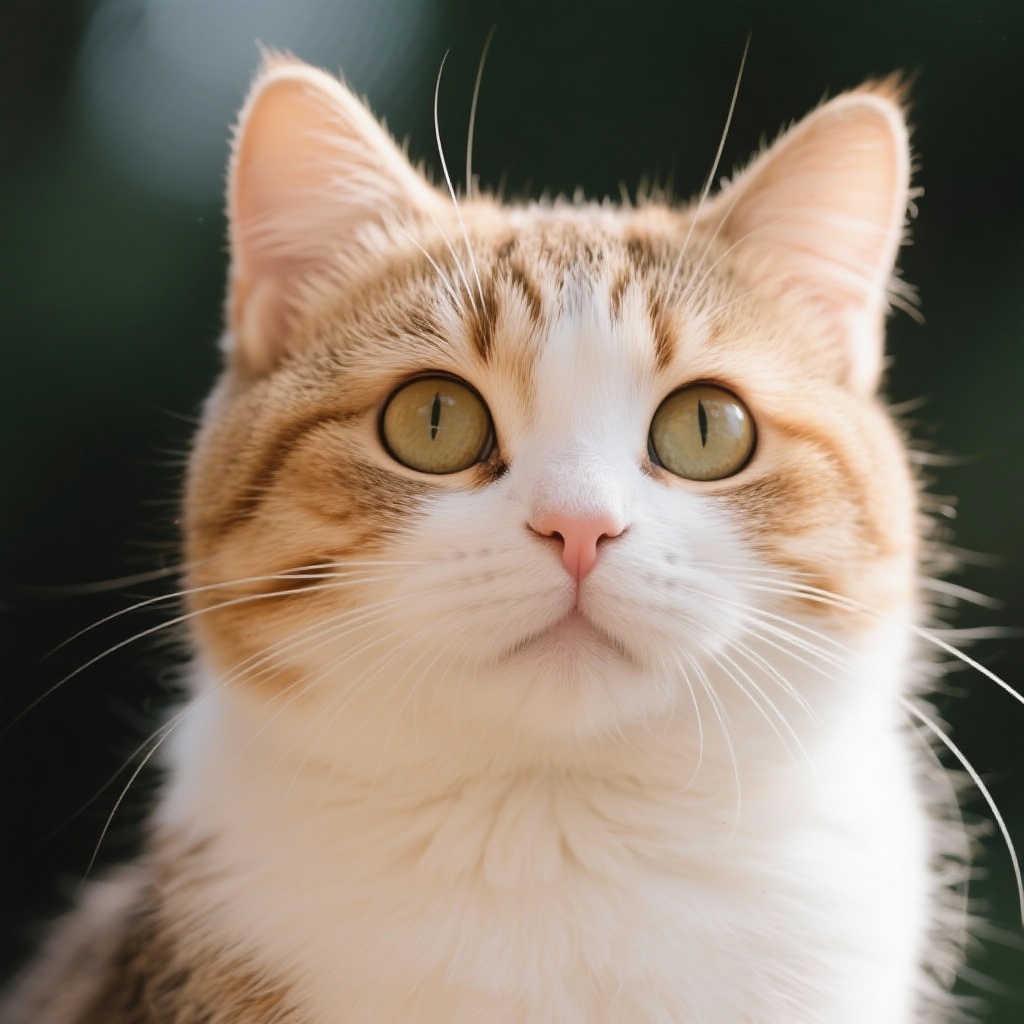
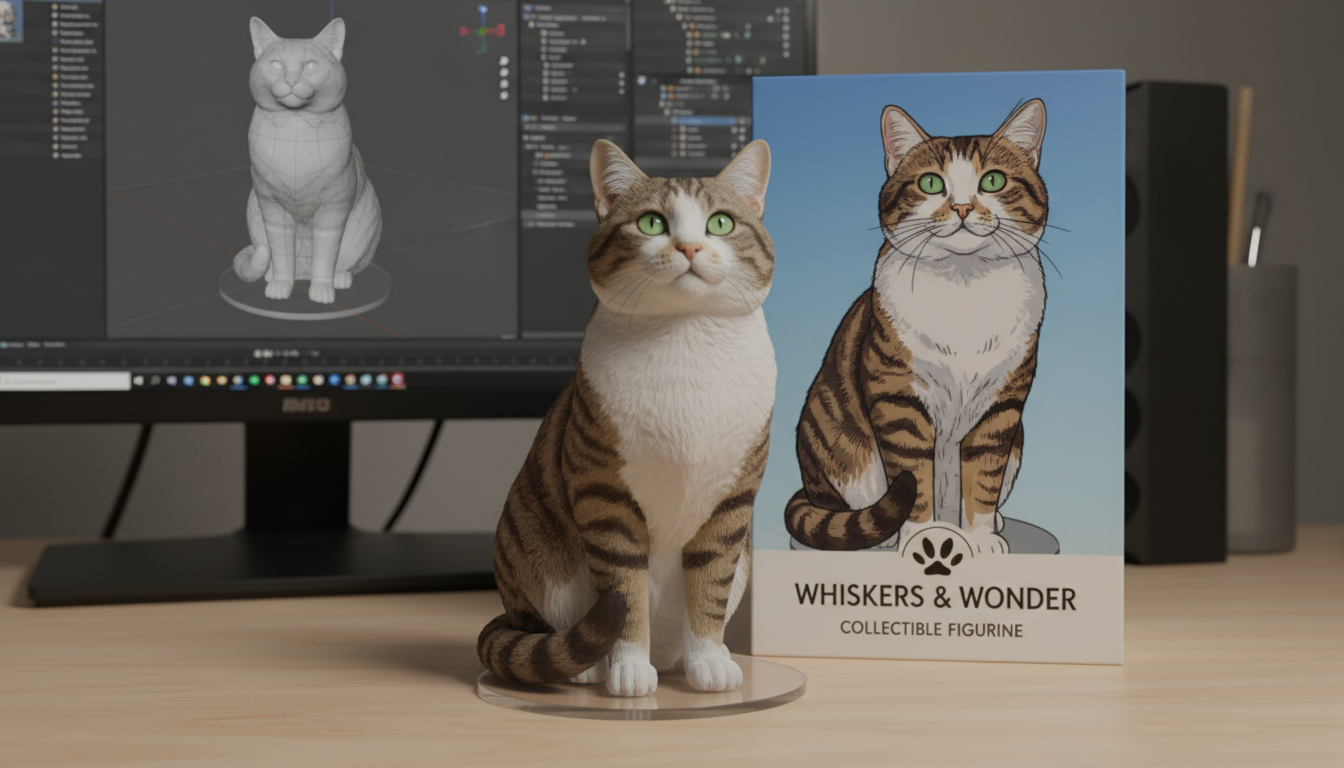
Pet Miniatur AI
Motorcycle Miniatur AI
Landscape Miniatur AI

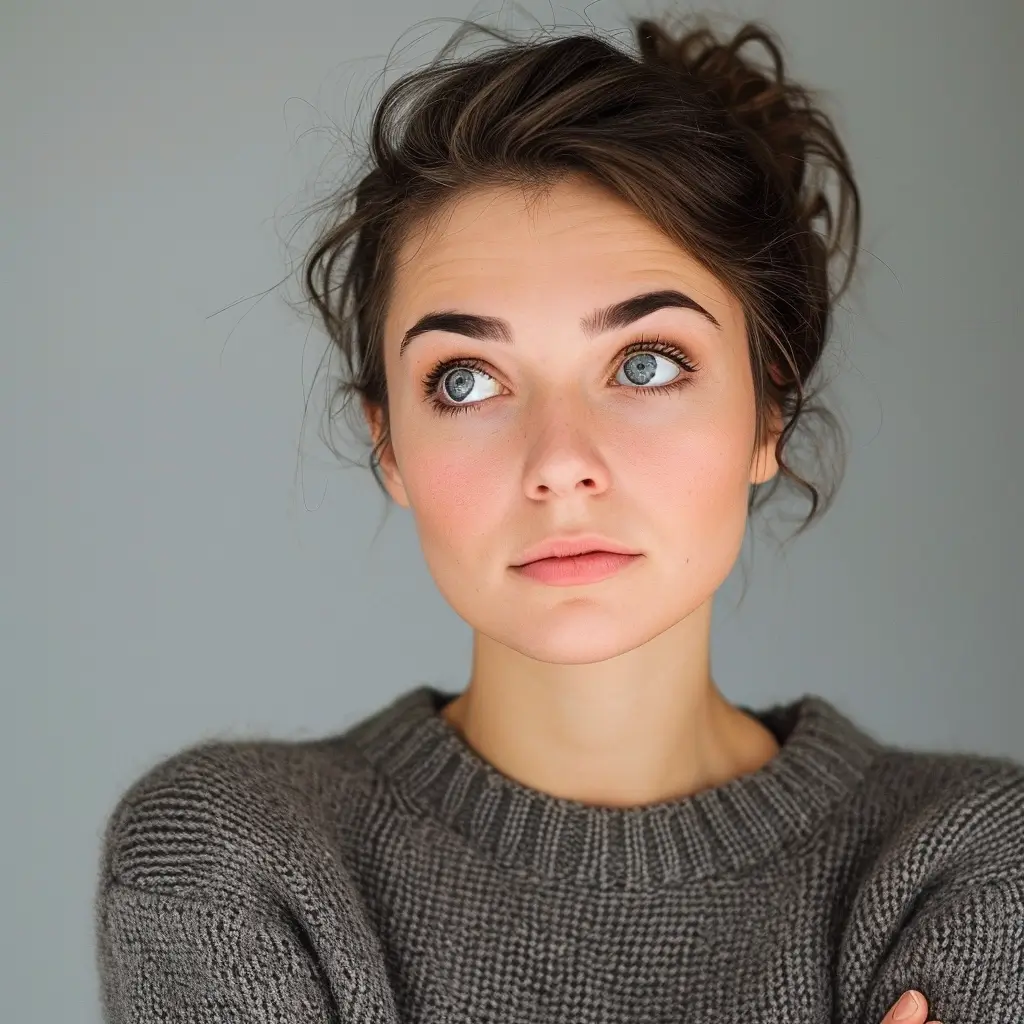
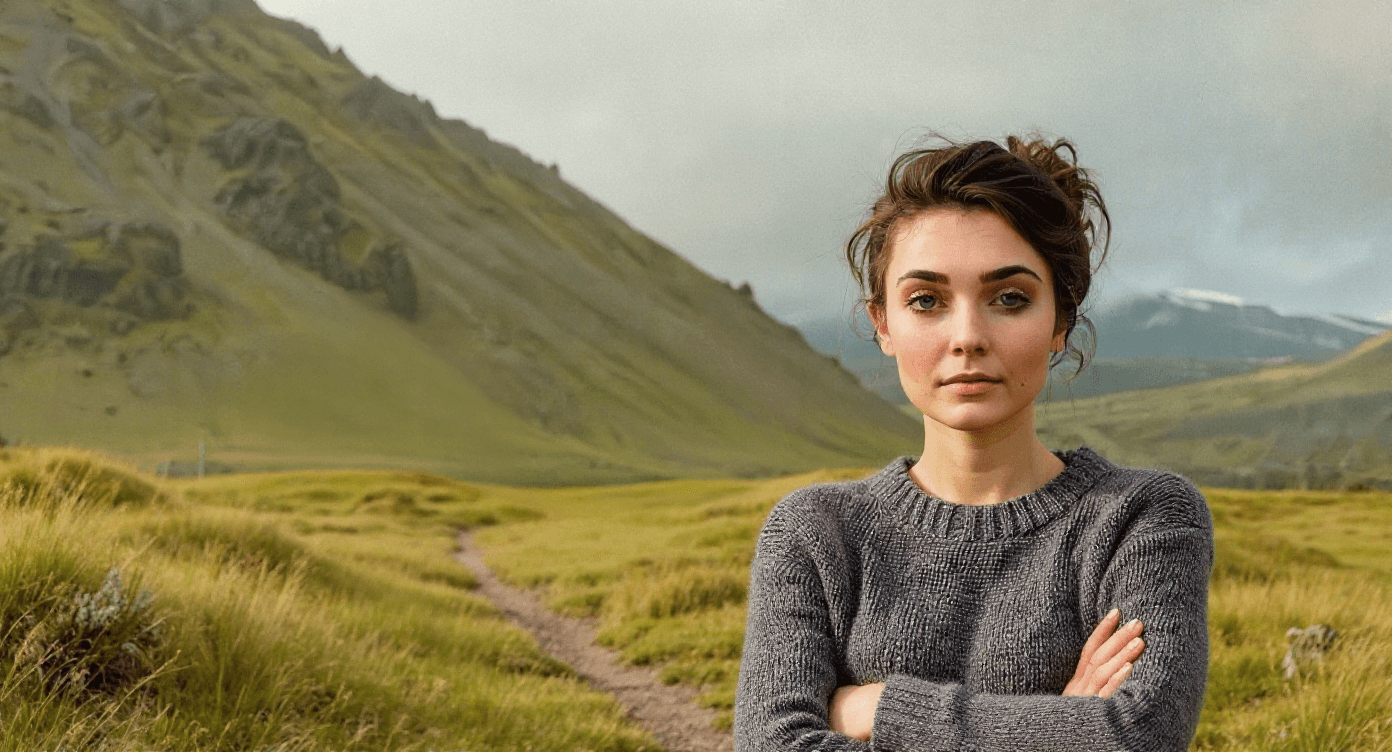
Photorealistic Portrait Generation

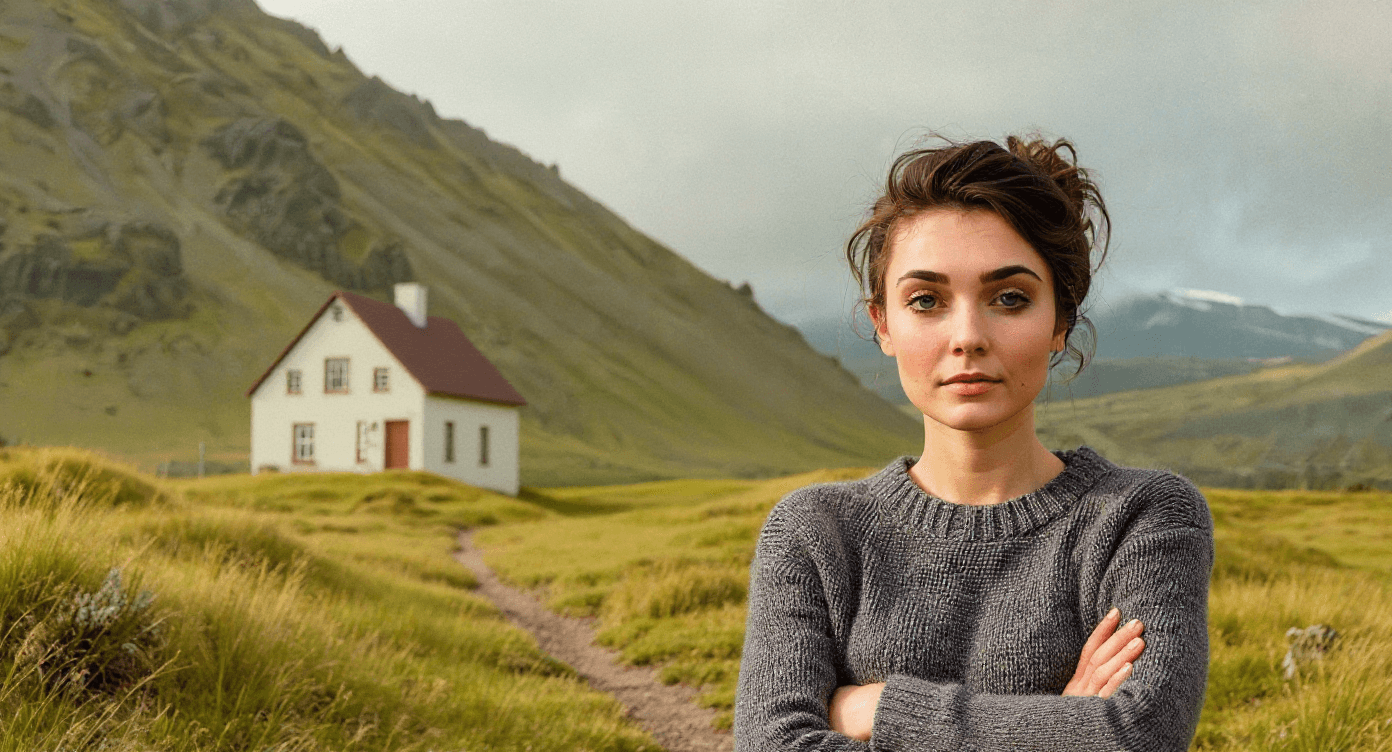
Object Removal
Seedream 4.0 Features
Professional Image Editing
Advanced AI-powered editing that preserves image quality while applying sophisticated transformations
Style Transfer & Enhancement
Transform photos into various artistic styles or enhance existing images with AI precision
Fast Processing
Quick turnaround times for image editing without sacrificing quality or detail
How Seedream 4.0 Works
Create Your Prompt
Enter your creative text prompt or upload a reference image to guide the AI generation process.
Seedream 4.0 AI Processing
Advanced neural network model processes your prompt to create highly detailed, artistic images.
Download Your Creation
Get your AI-generated image in high resolution, ready for use in any project or platform.
Seedream 4.0 AI Tweets Explore
See what creators are saying about Seedream 4.0 AI