
GPT Image 2.5 Flare Generator and Editor
Generate sharper visuals with natural lighting and richer textures, or make precise edits that preserve your subject, composition, and visual identity.
GPT Image 2.5 Studio
Choose 1K, 2K, or 4K output. Higher resolution uses more credits.
Leave on Auto to let the model choose the best output shape.
Transparent backgrounds are supported at 1K; 2K and 4K may return an opaque result.
GPT Image 2.5 Result
Examples: See what GPT Image 2.5 can do1 / 2
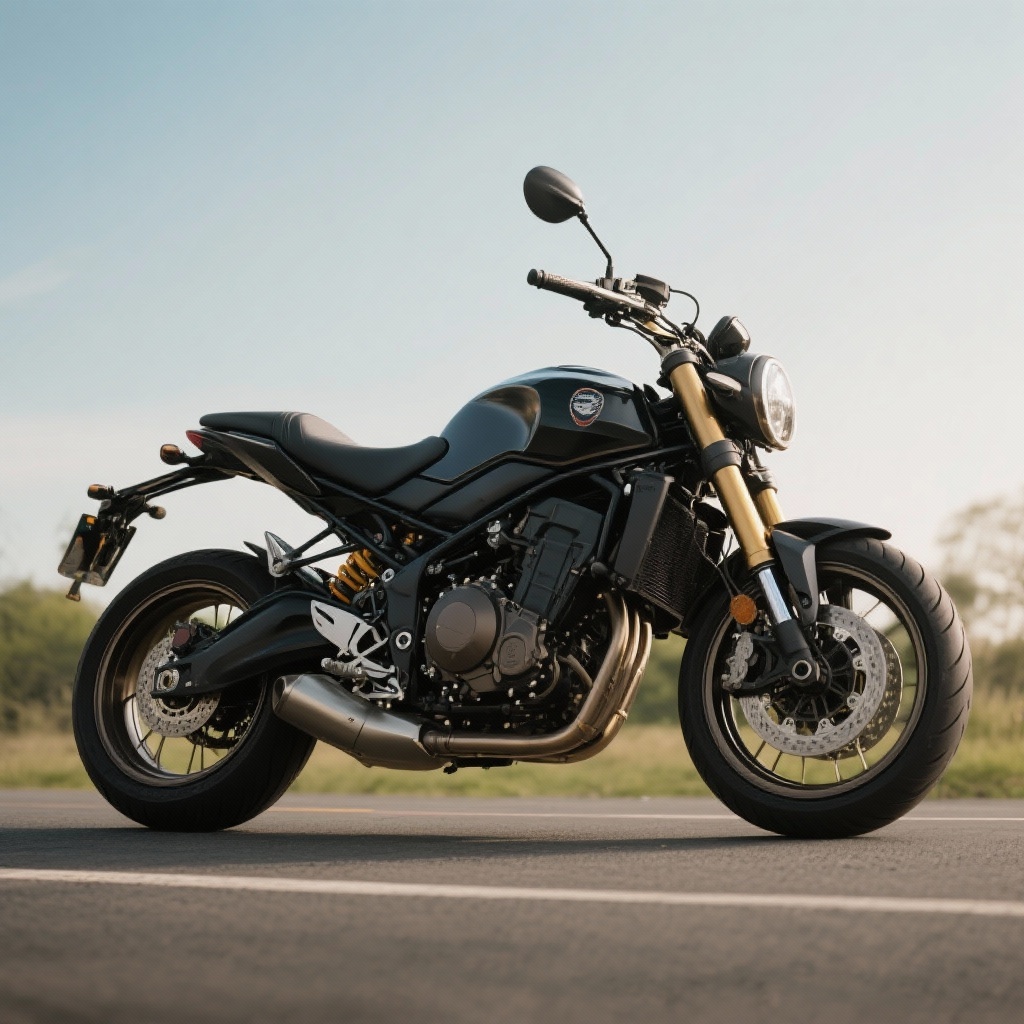
Before
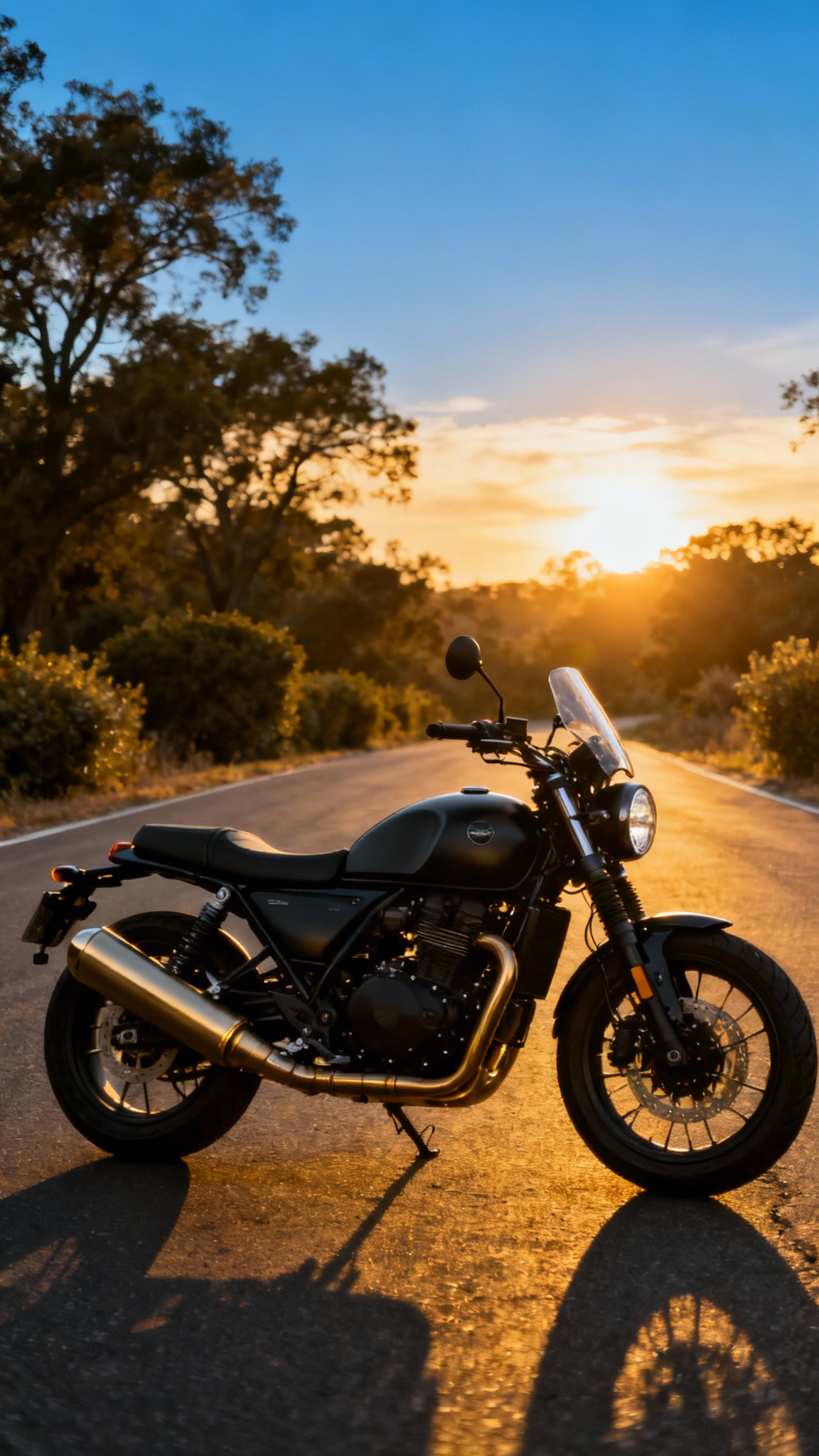
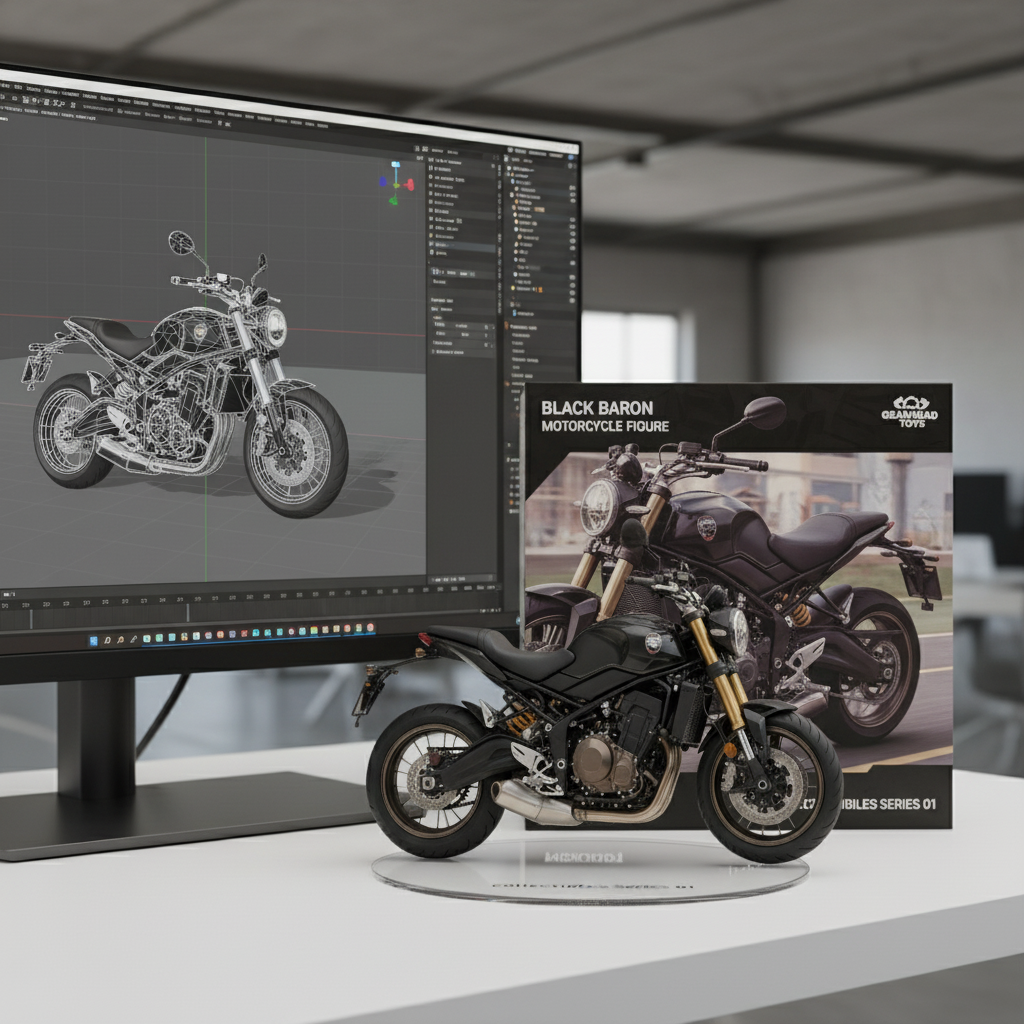
After
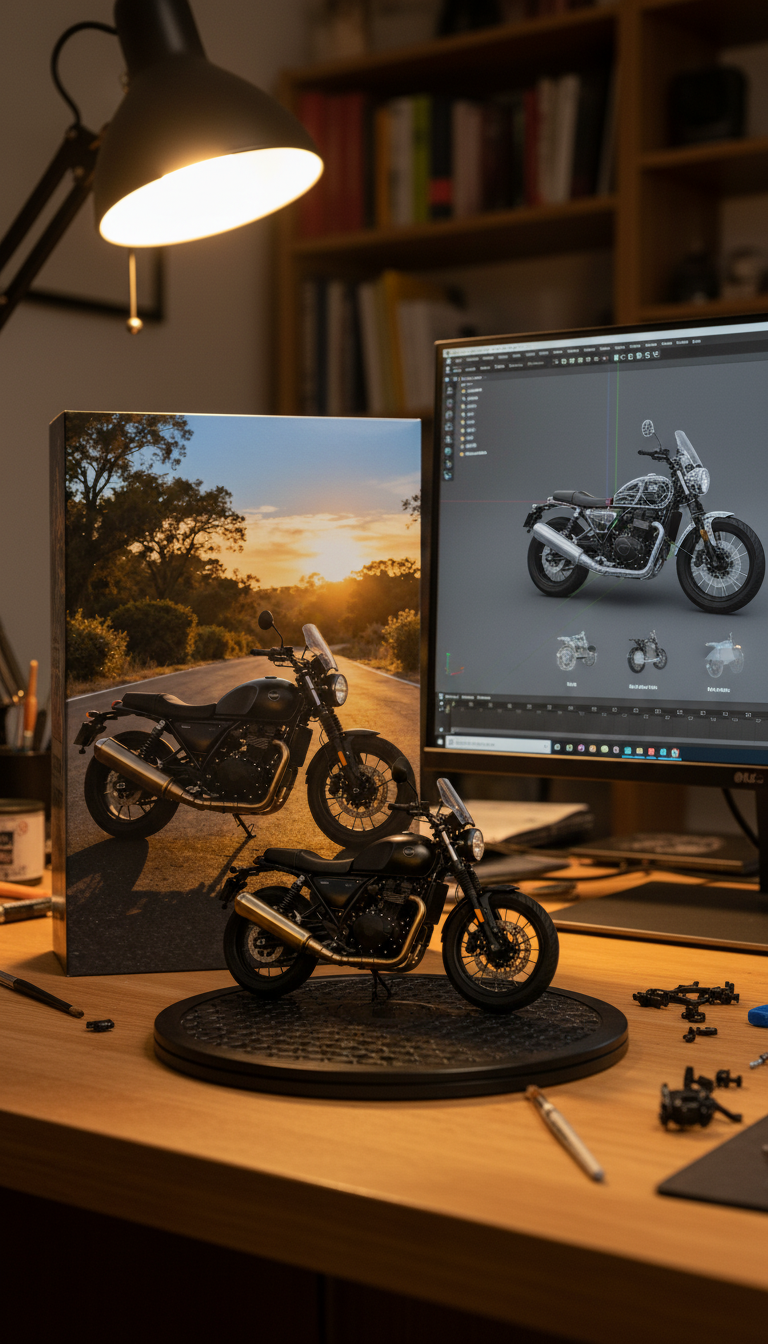
Prompt used:
"Turn this image into a motorcycle figure. Behind it, place a box with the motorcycle's image printed on it, and a computer showing the Blender modeling process on its screen. In front of the box, add a round plastic base with the motorcycle figure on it. Set the scene indoors if possible."
Before
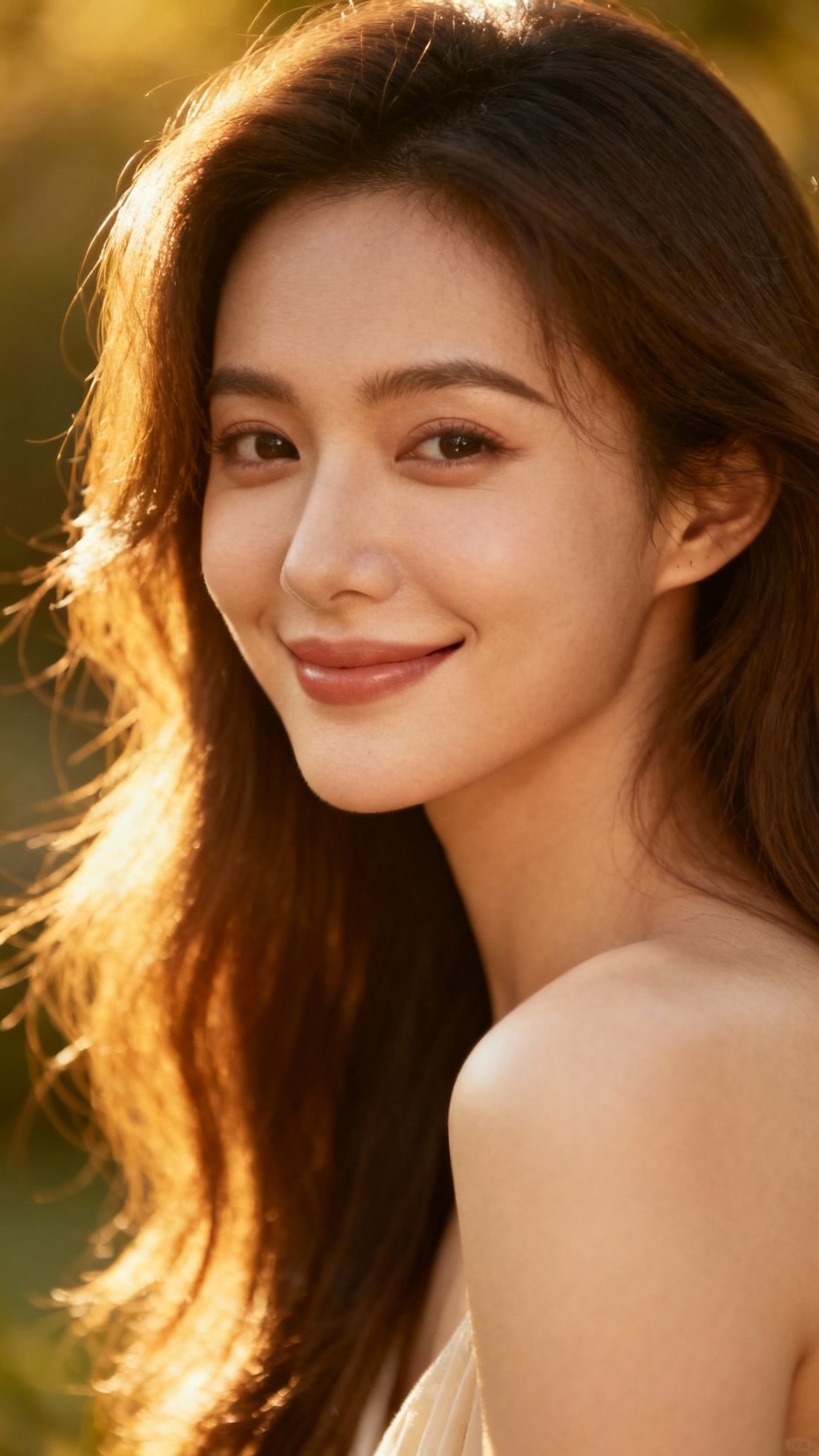
After
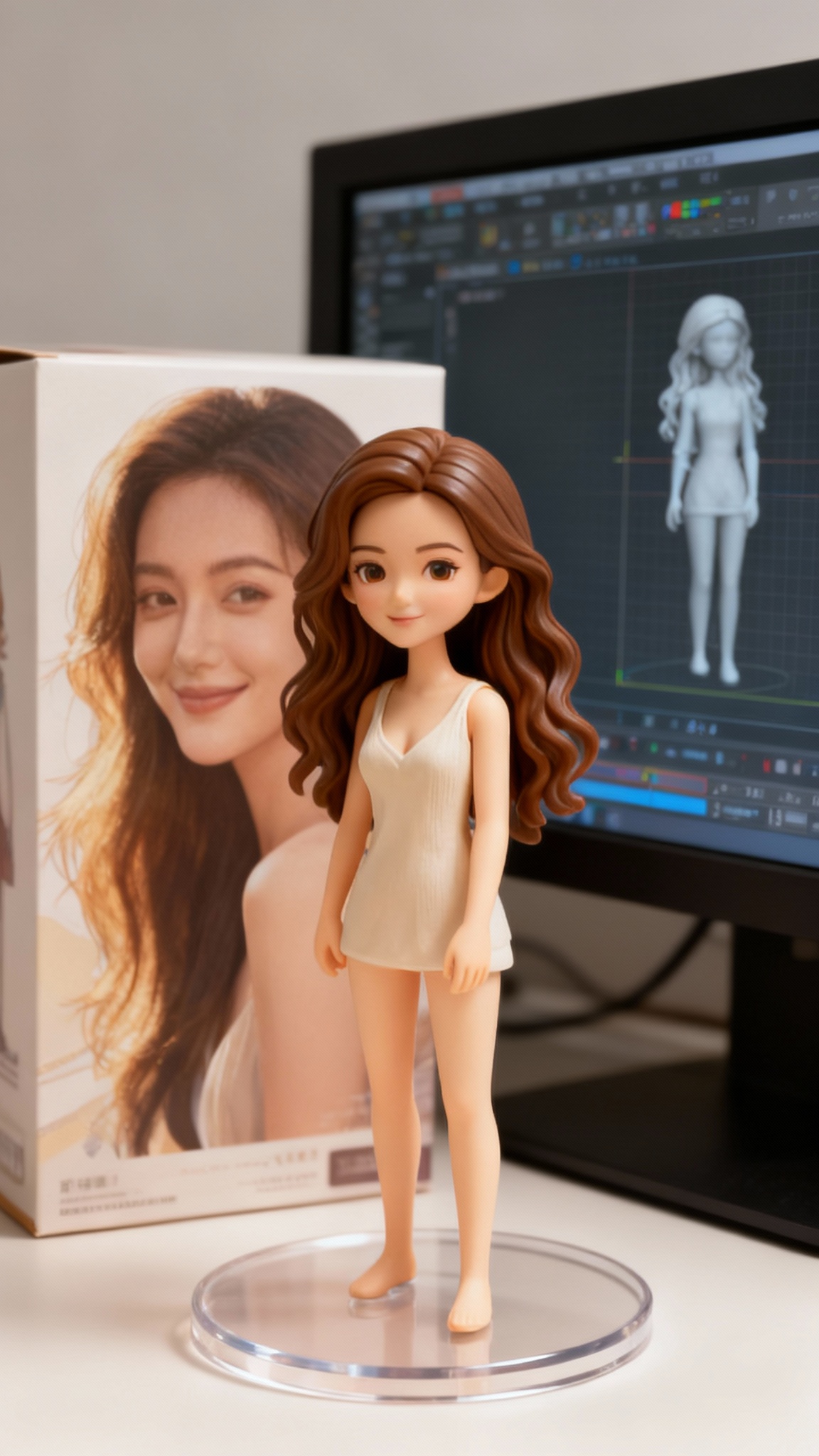
Prompt used:
"Transform this anime character into a collectible figure product showcase: Create a physical PVC figure standing on a clear round base, place a product box with the character artwork behind it, and add a computer monitor showing the 3D modeling process in Blender."
Click on images to view full size • Swipe or use arrows to see more examples
GPT Image 2.5 Examples
Product Concept Scene
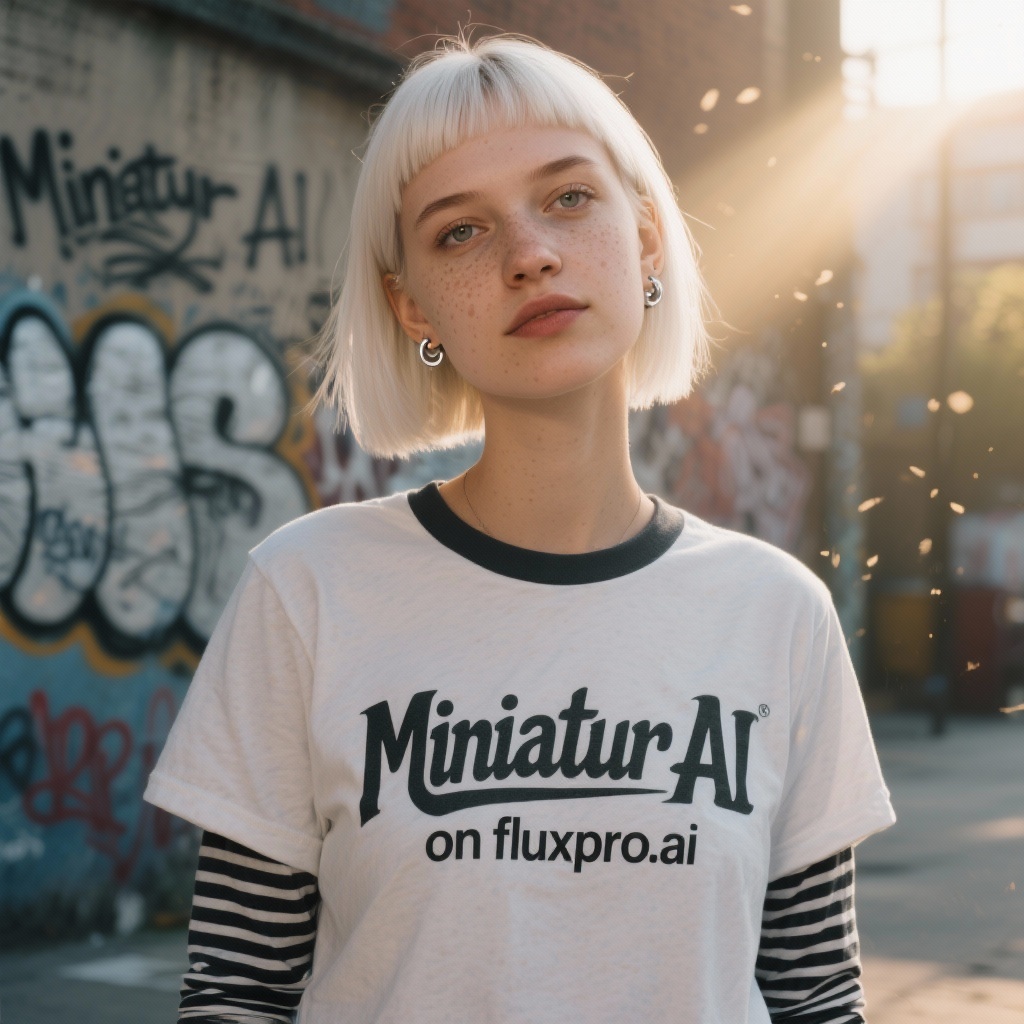
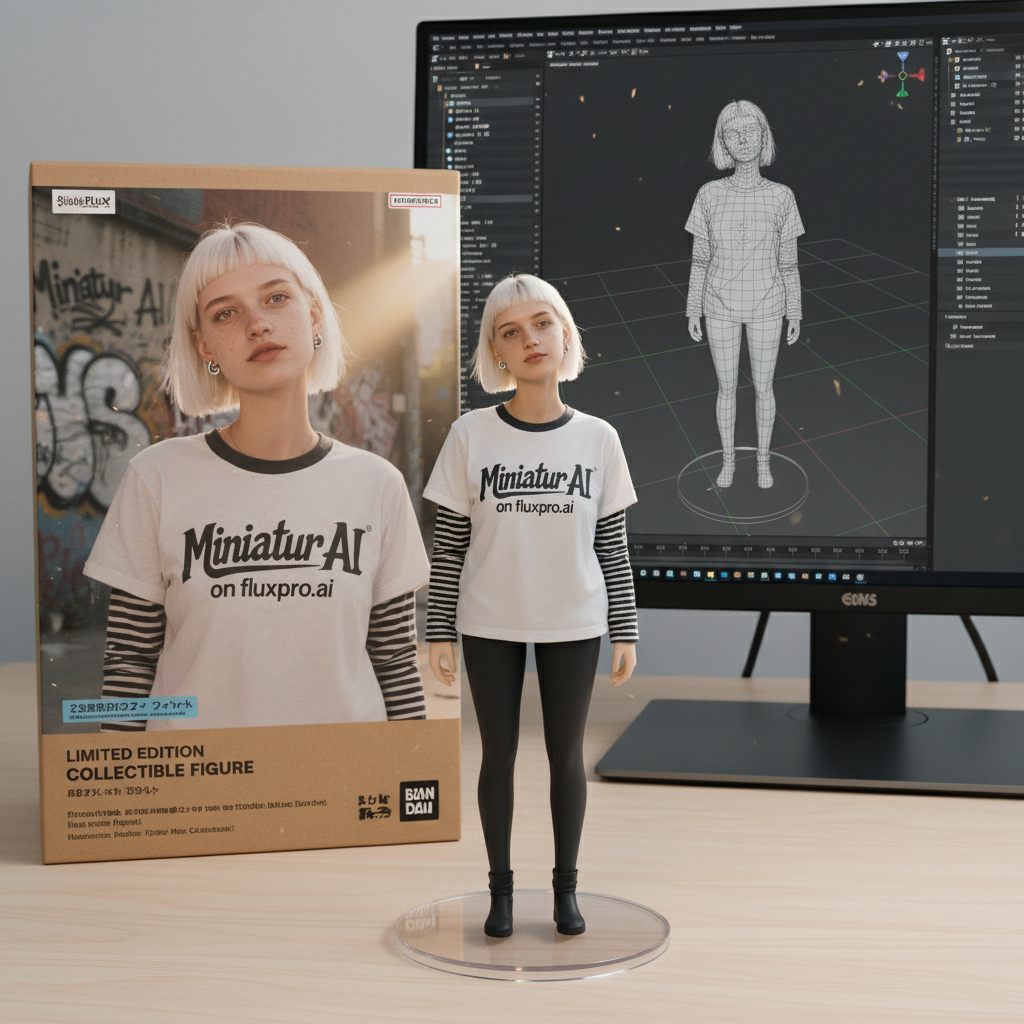
Pet Character Showcase
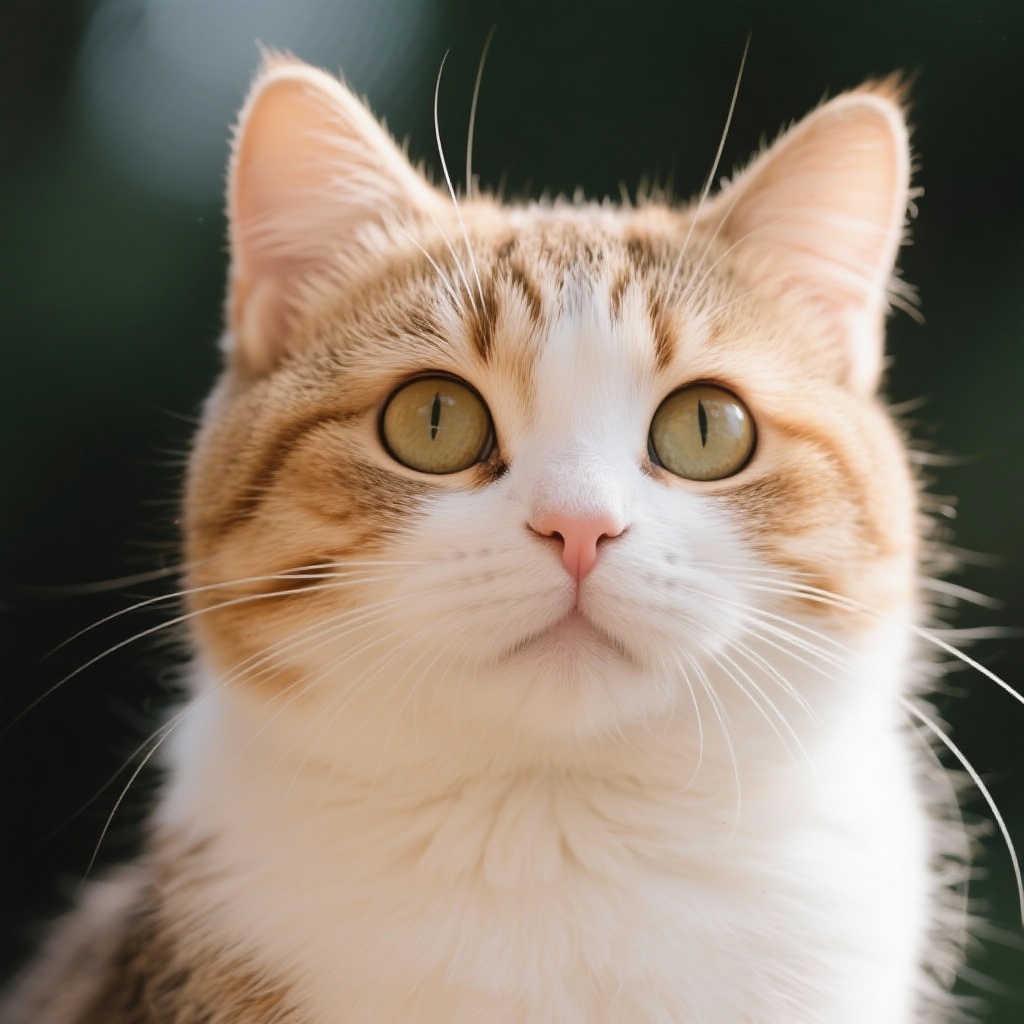
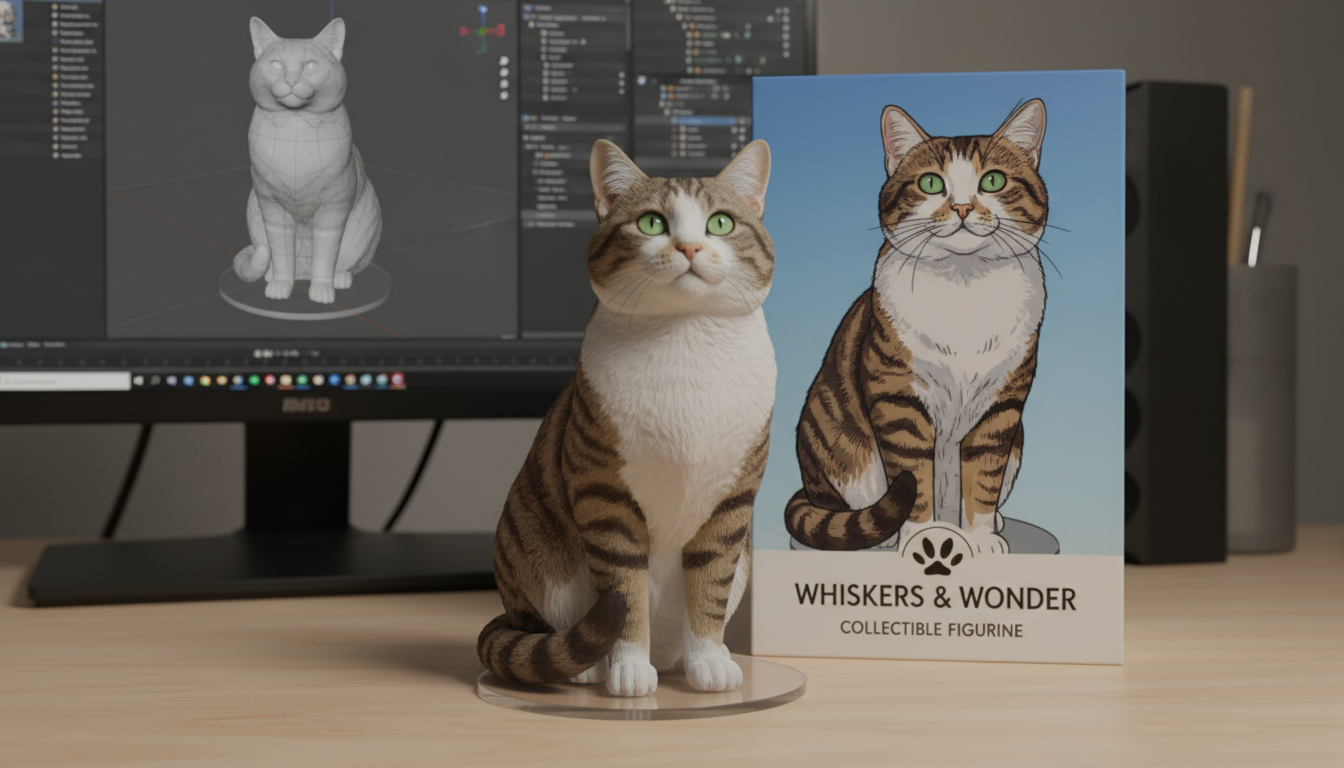
Vehicle Product Mockup
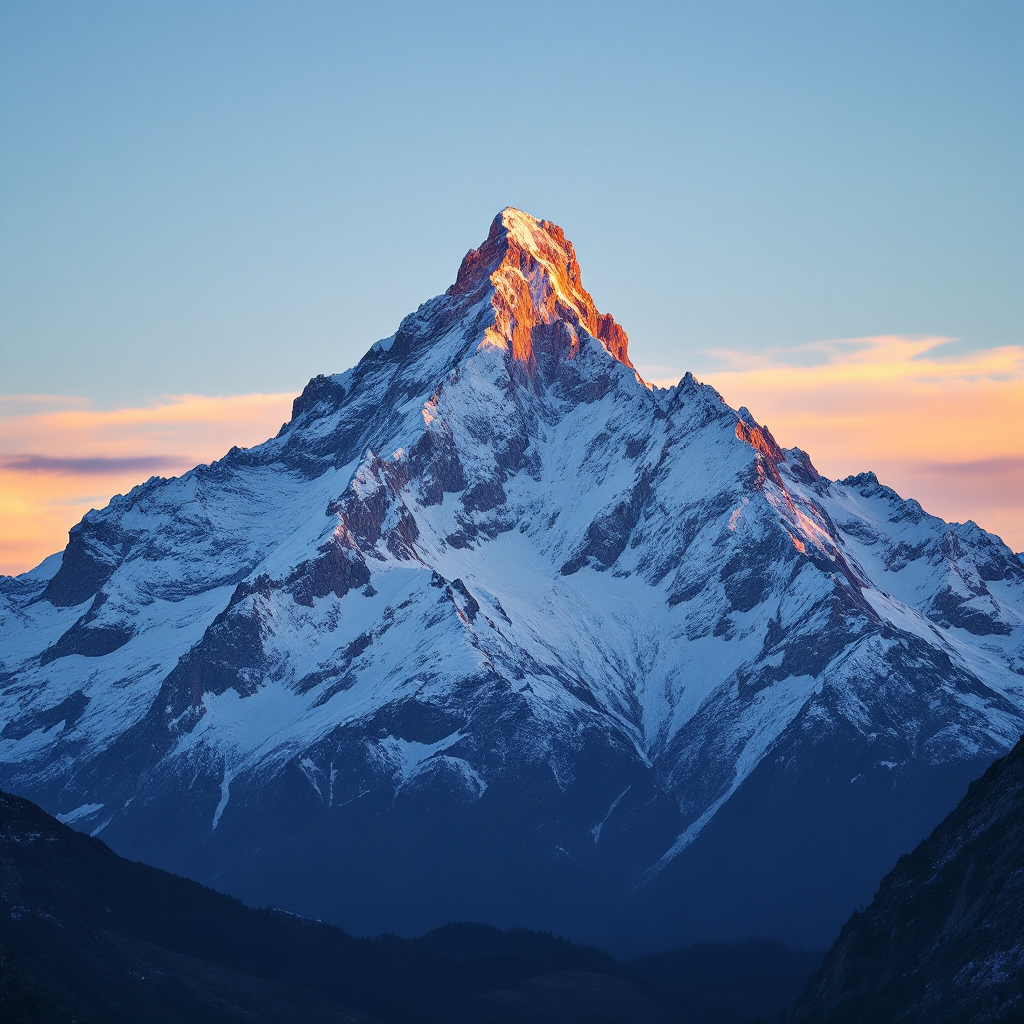
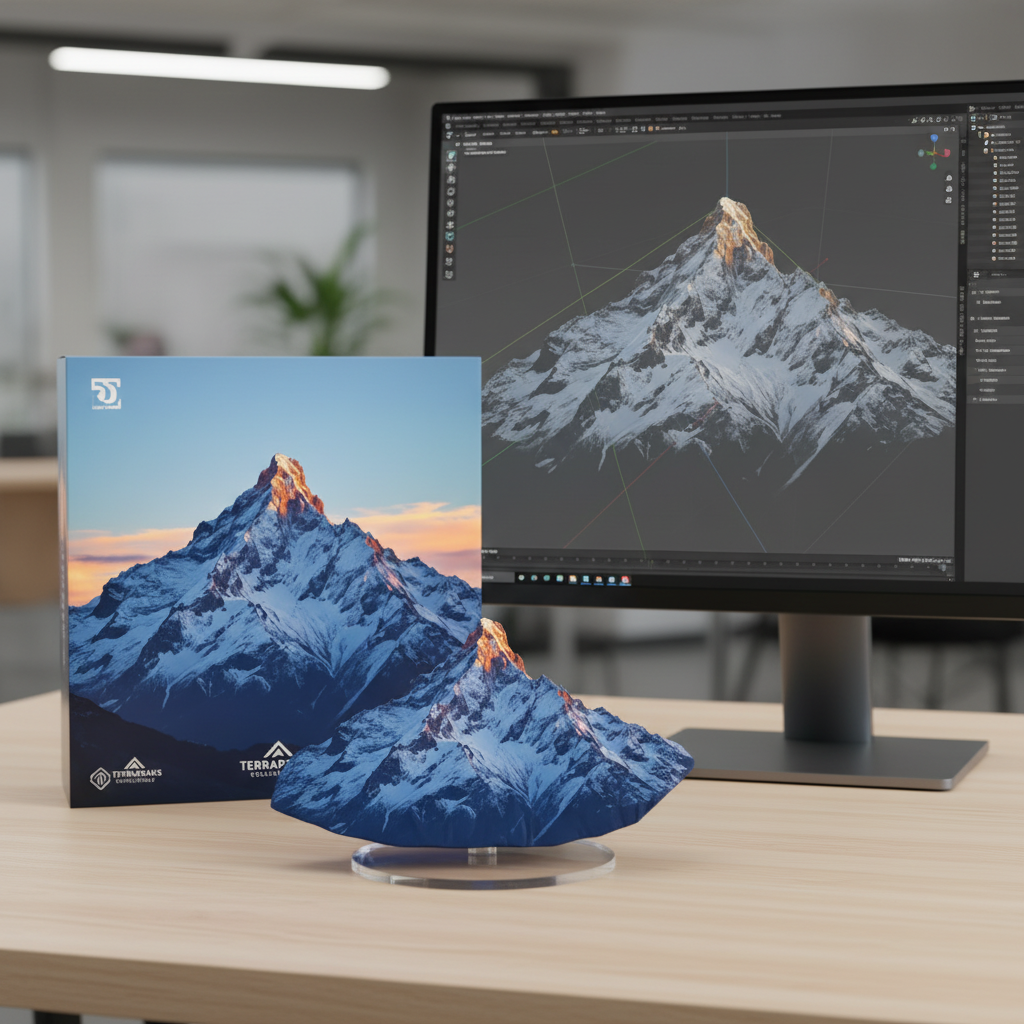
Landscape Style Transfer
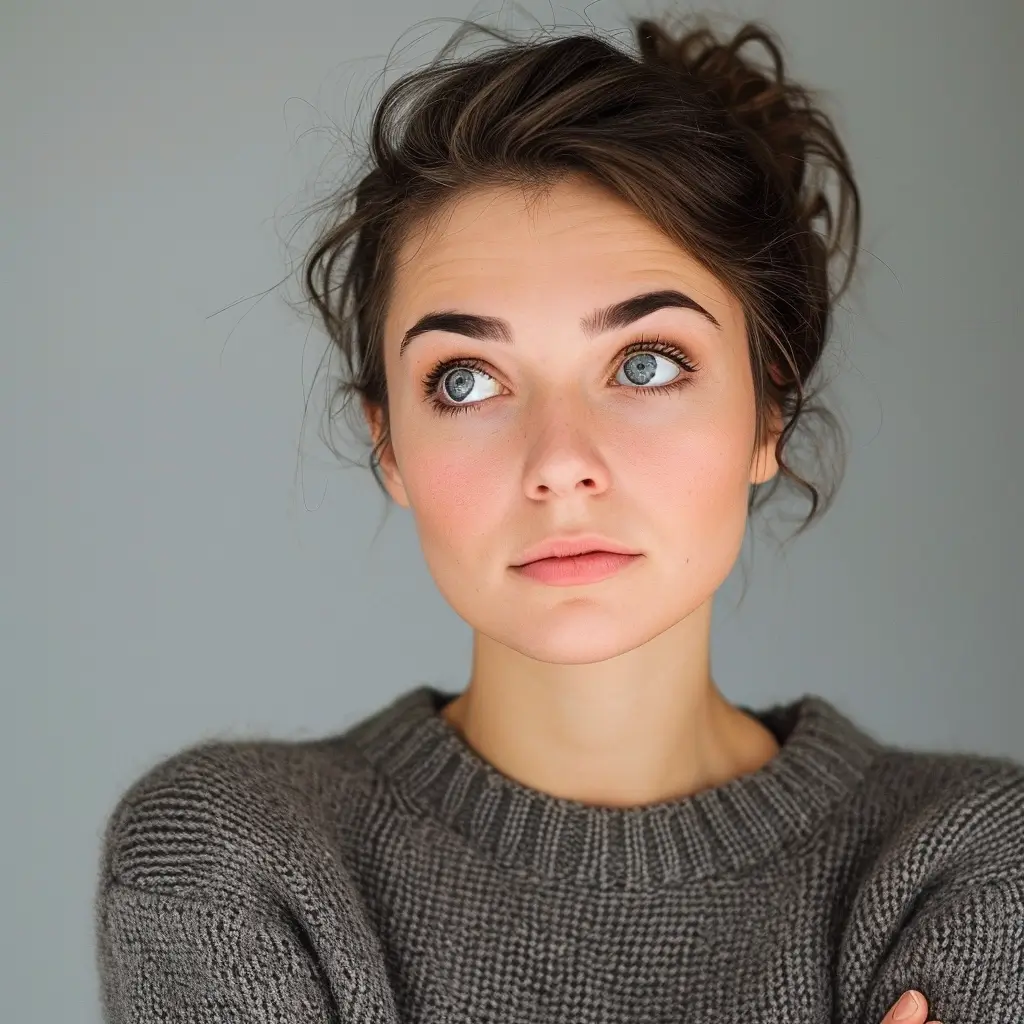
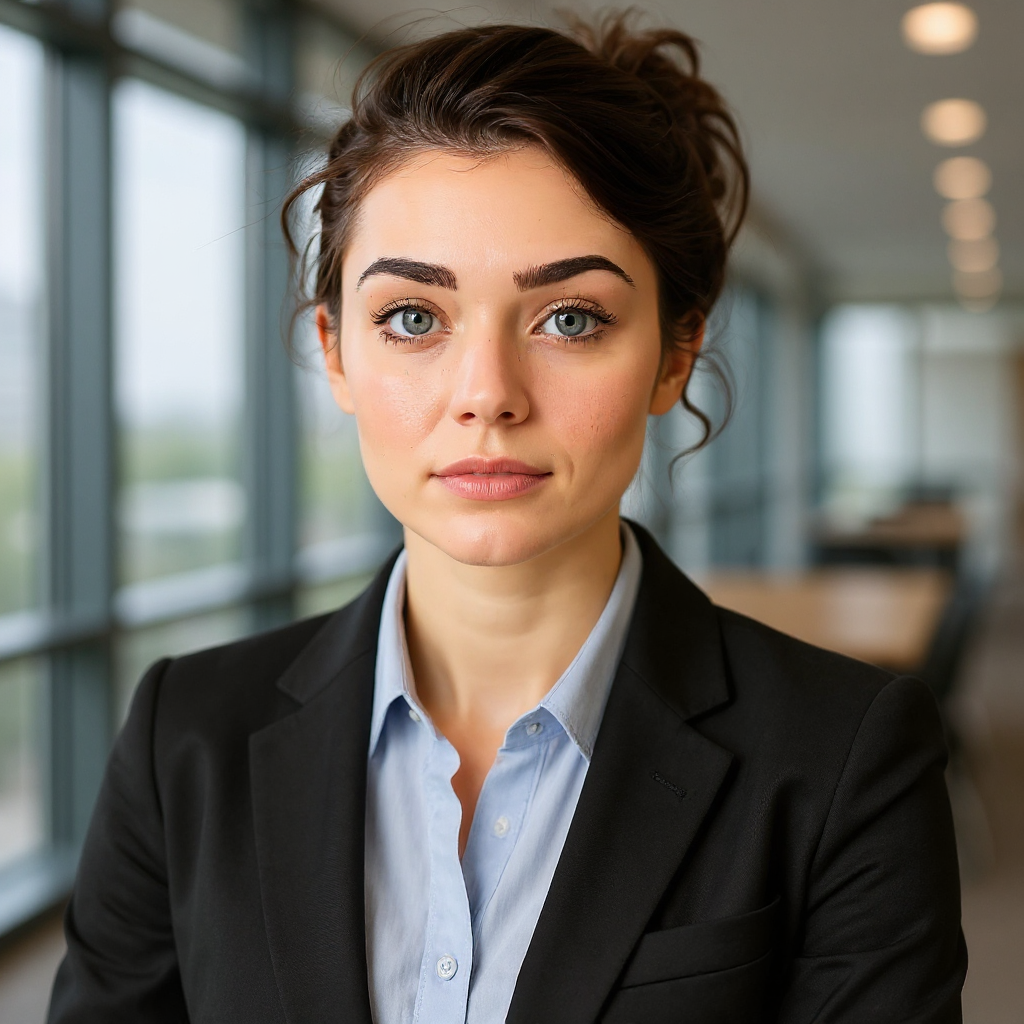
Photorealistic Portrait Generation
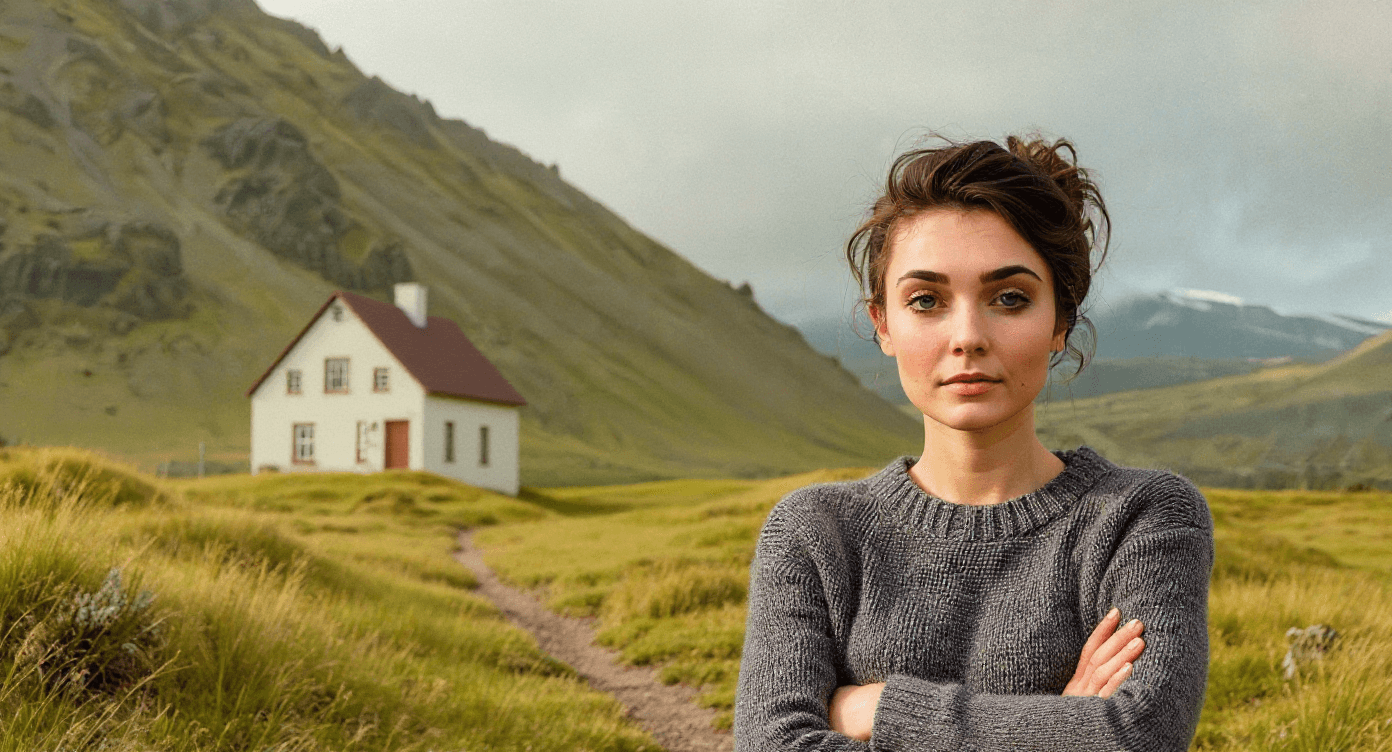
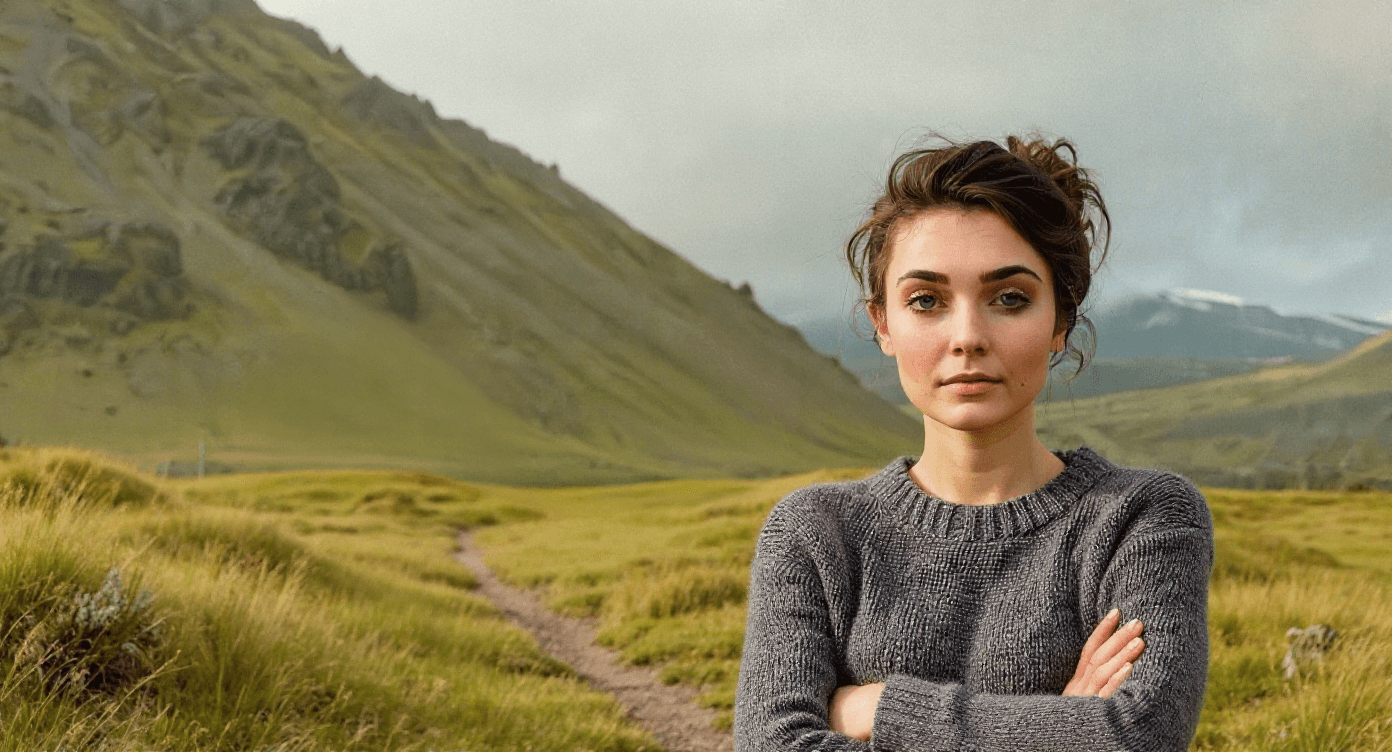
Object Removal
Looking for More AI Tools?
Don't want to create prompts from scratch? Explore our ready-to-use AI applications!
GPT Image 2.5 Features
Reference Fidelity
Transform people, products, and familiar subjects while keeping the result anchored to the original reference.
Precise, Focused Edits
Change a product, background, or piece of copy while preserving the subject, composition, and brand treatment around it.
Faster Everyday Creation
Use Flare for responsive creative workflows with higher-quality output than GPT Image 2 and 50% lower latency.
How GPT Image 2.5 Works
Create Your Prompt
Describe the image you want, including composition, text, language, style, and any reference images.
GPT Image 2.5 Processing
The model interprets your prompt and image inputs to generate or edit high-quality visuals with flexible sizing.
Download Your Creation
Review the result, download it, reuse it as a new input, upscale it, or send it into an image-to-video workflow.
GPT Image 2.5 in the Creative Community
Explore how creators use faster generation, stronger reference fidelity, and precise editing to turn ideas into polished visual work.