
GPT Image 2 - ChatGPT Images 2.0 Generator and Editor
Create precise, ready-to-use visuals with GPT Image 2, inspired by OpenAI's ChatGPT Images 2.0 release: stronger prompt following, readable text, multilingual design, flexible aspect ratios, and polished visual styles.
GPT Image 2 Studio
Choose output quality for GPT Image 2. Higher resolution uses more credits.
Leave on Auto to let the model choose the best output shape.
GPT Image 2 Result
Examples: See what GPT Image 2 can do1 / 2
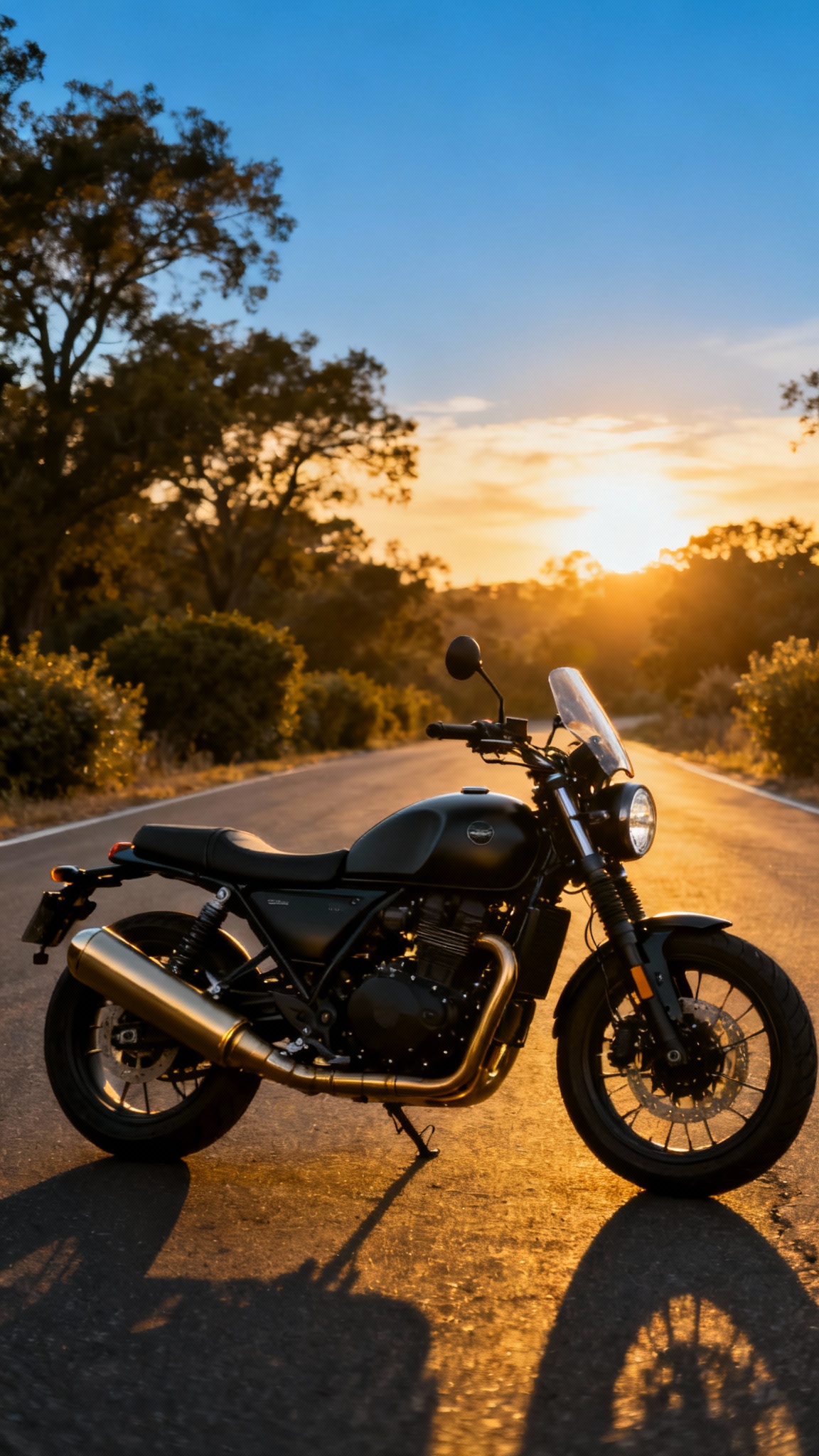
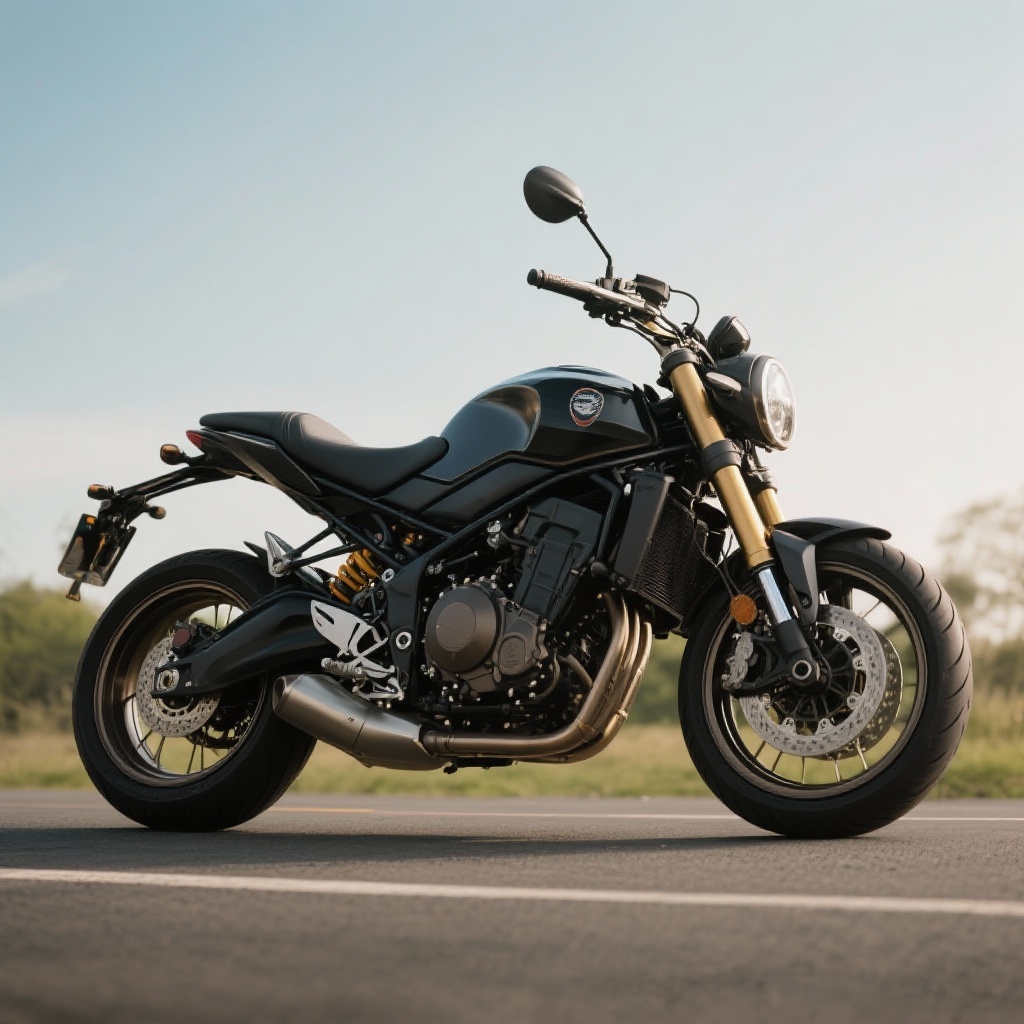
Before
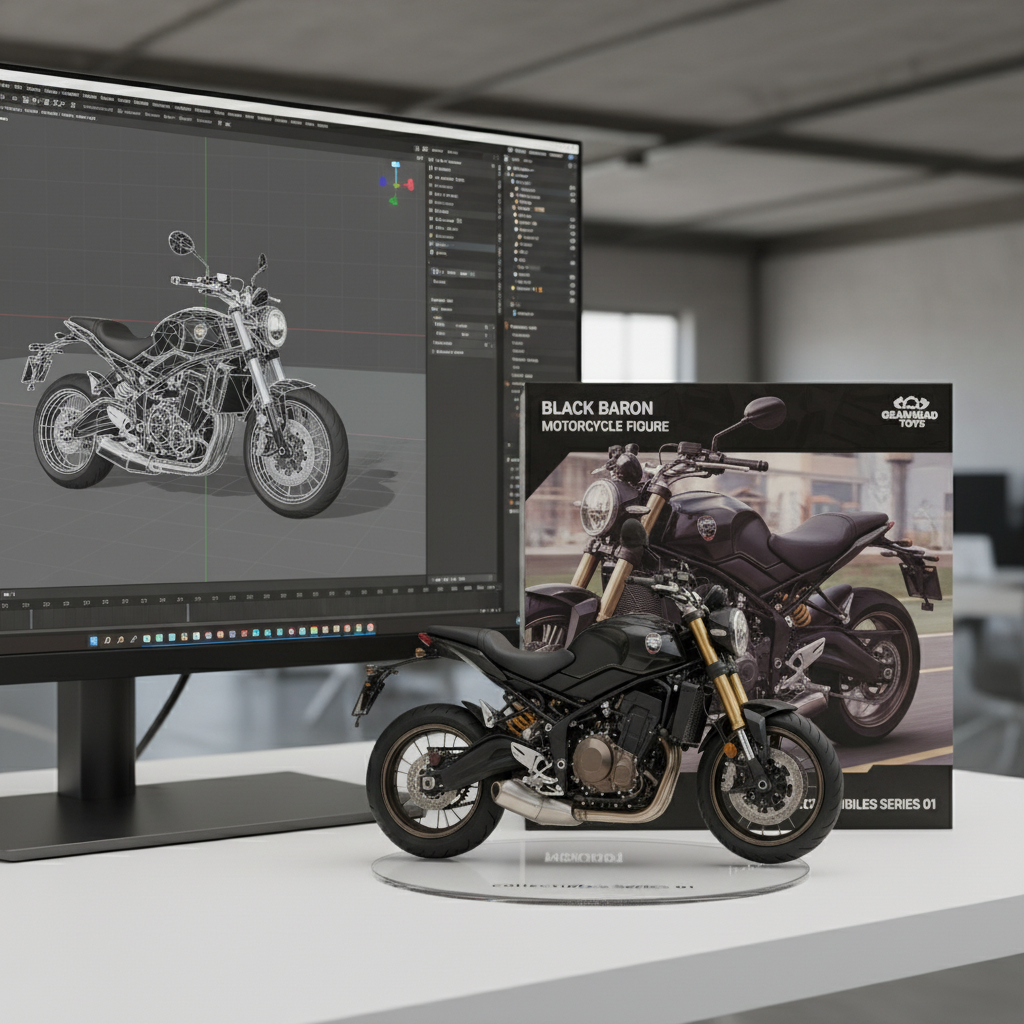
After
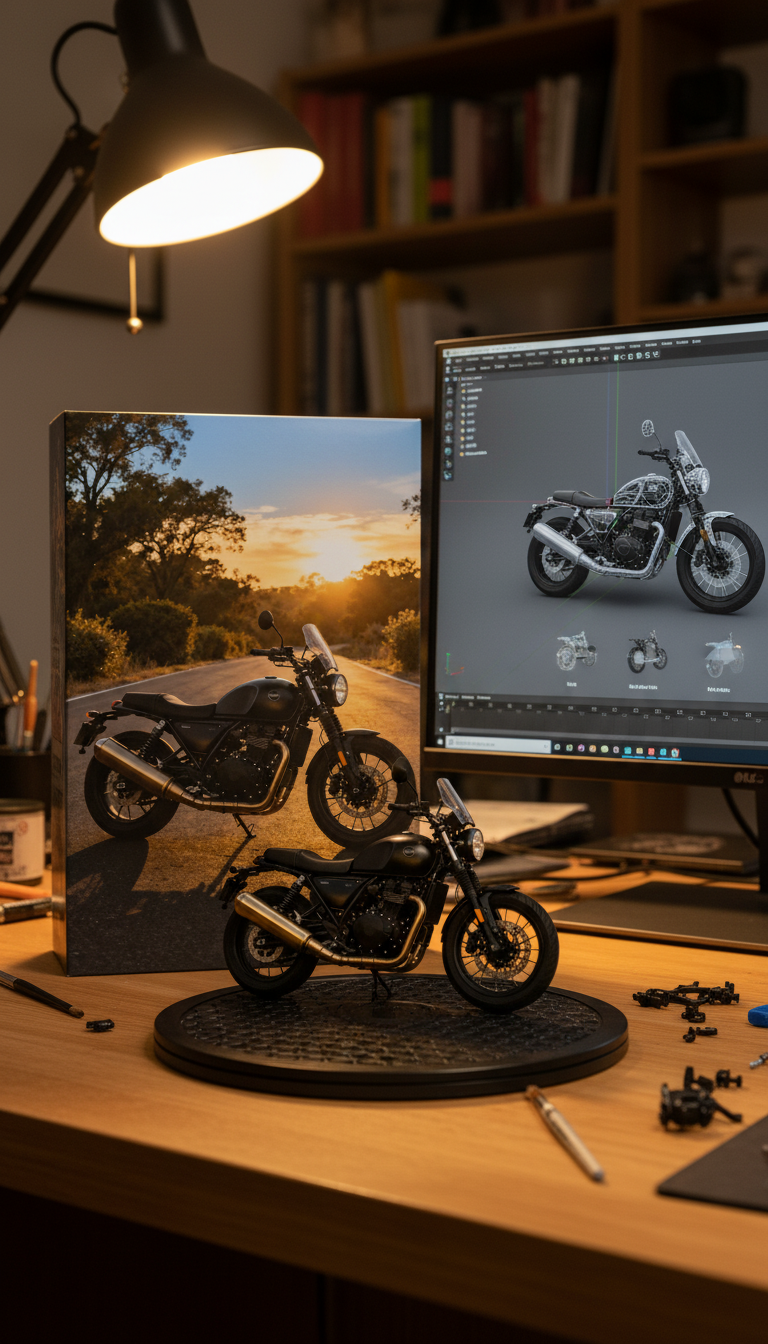
Prompt used:
"Turn this image into a motorcycle figure. Behind it, place a box with the motorcycle's image printed on it, and a computer showing the Blender modeling process on its screen. In front of the box, add a round plastic base with the motorcycle figure on it. Set the scene indoors if possible."
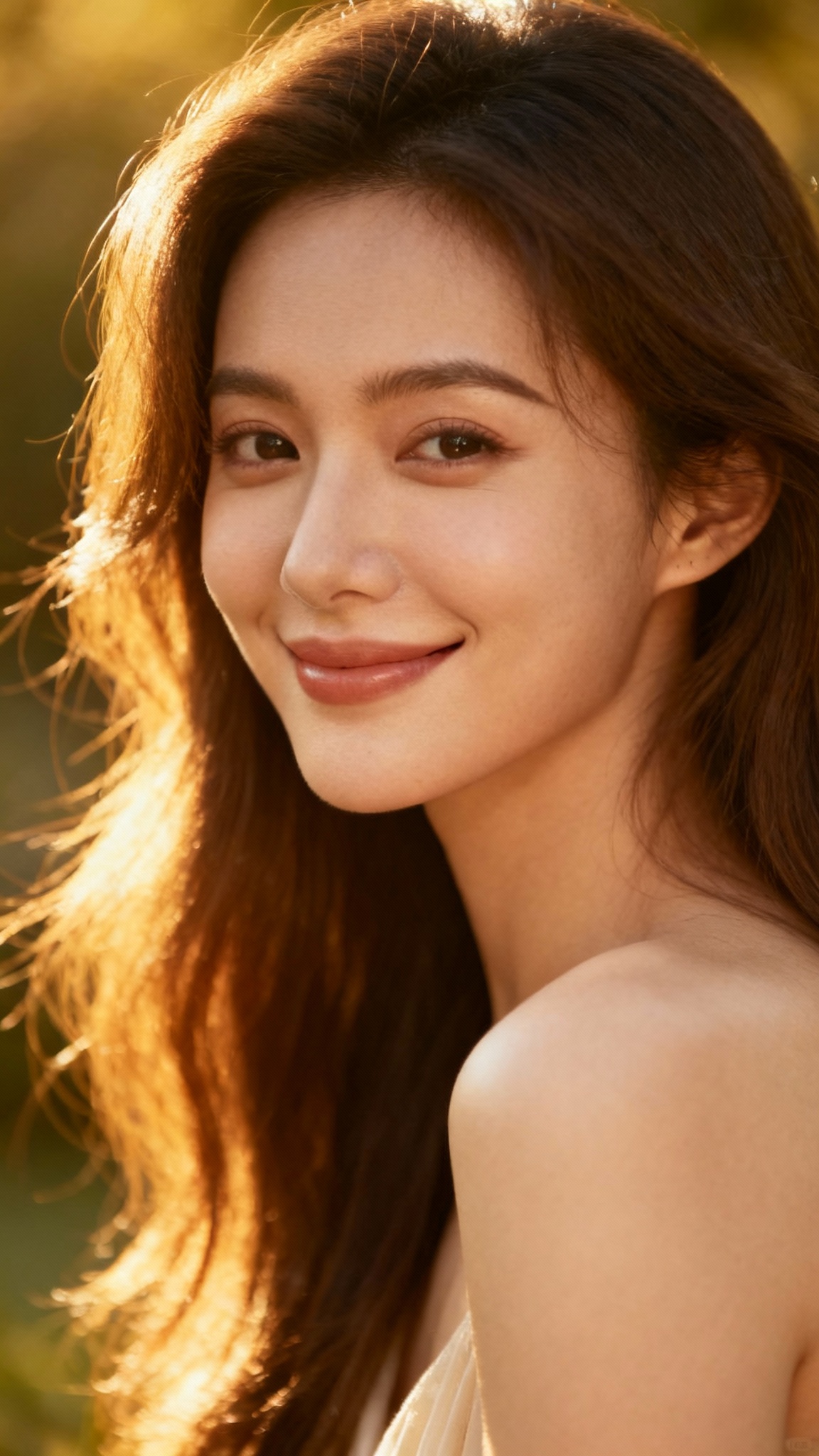
Before
After
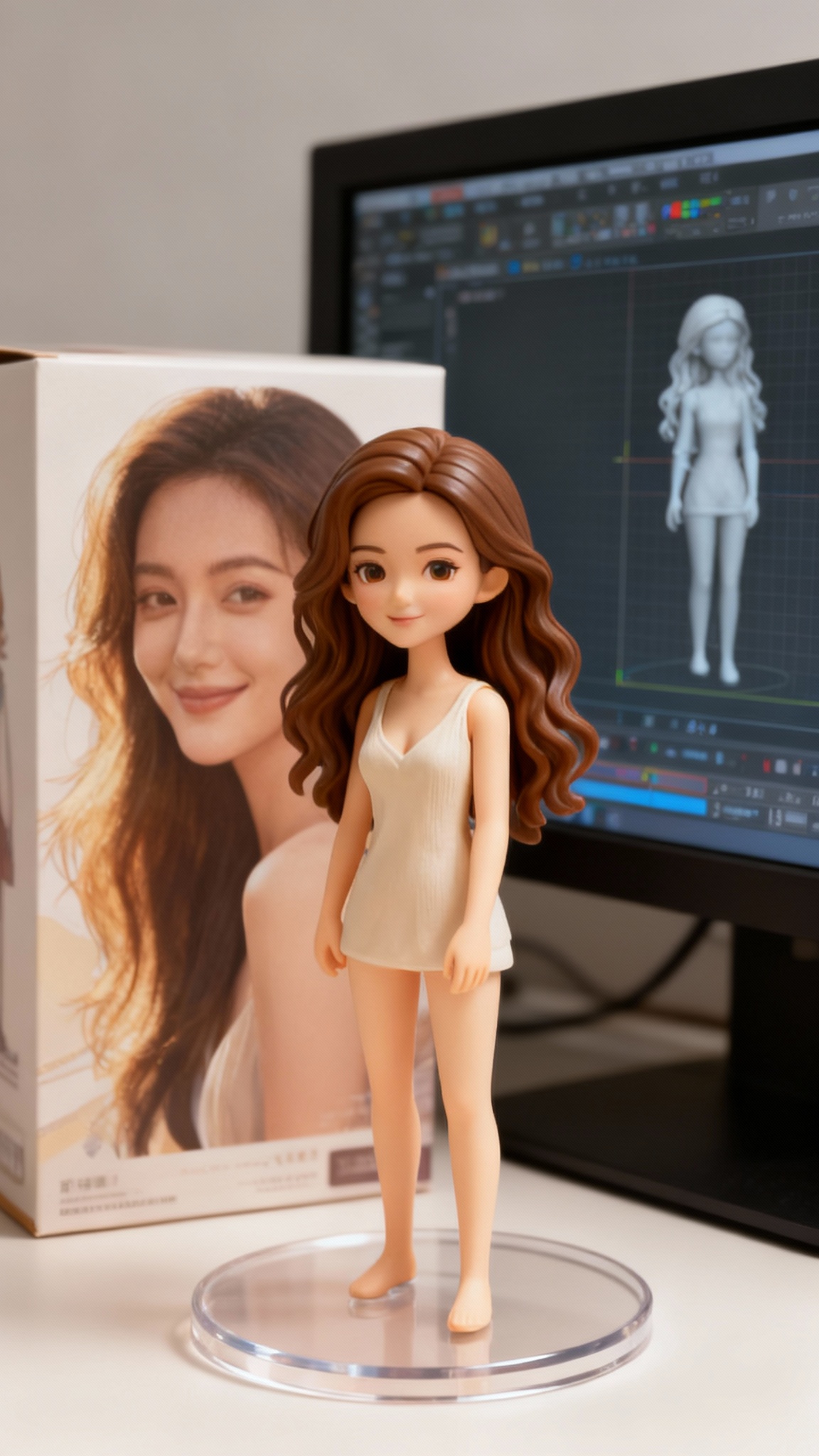
Prompt used:
"Transform this anime character into a collectible figure product showcase: Create a physical PVC figure standing on a clear round base, place a product box with the character artwork behind it, and add a computer monitor showing the 3D modeling process in Blender."
Click on images to view full size • Swipe or use arrows to see more examples
GPT Image 2 Examples
Product Concept Scene
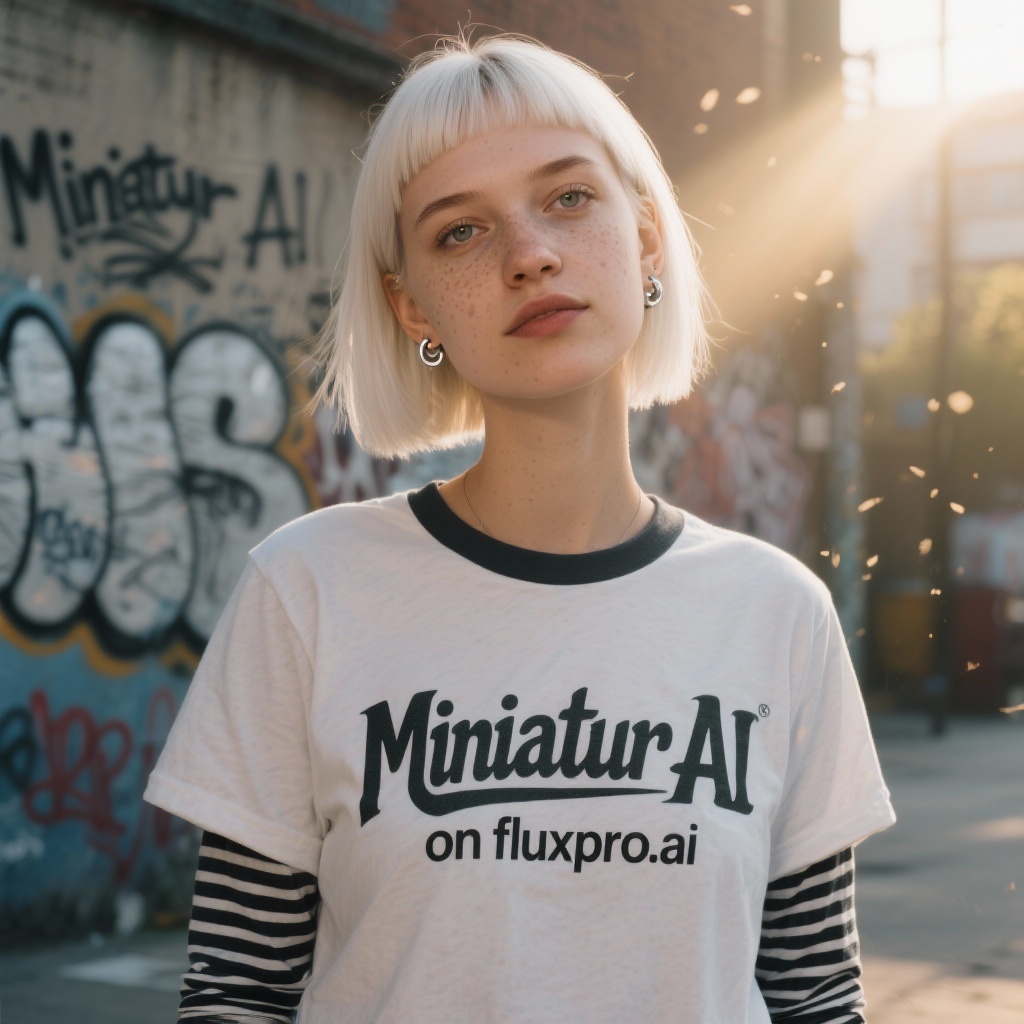
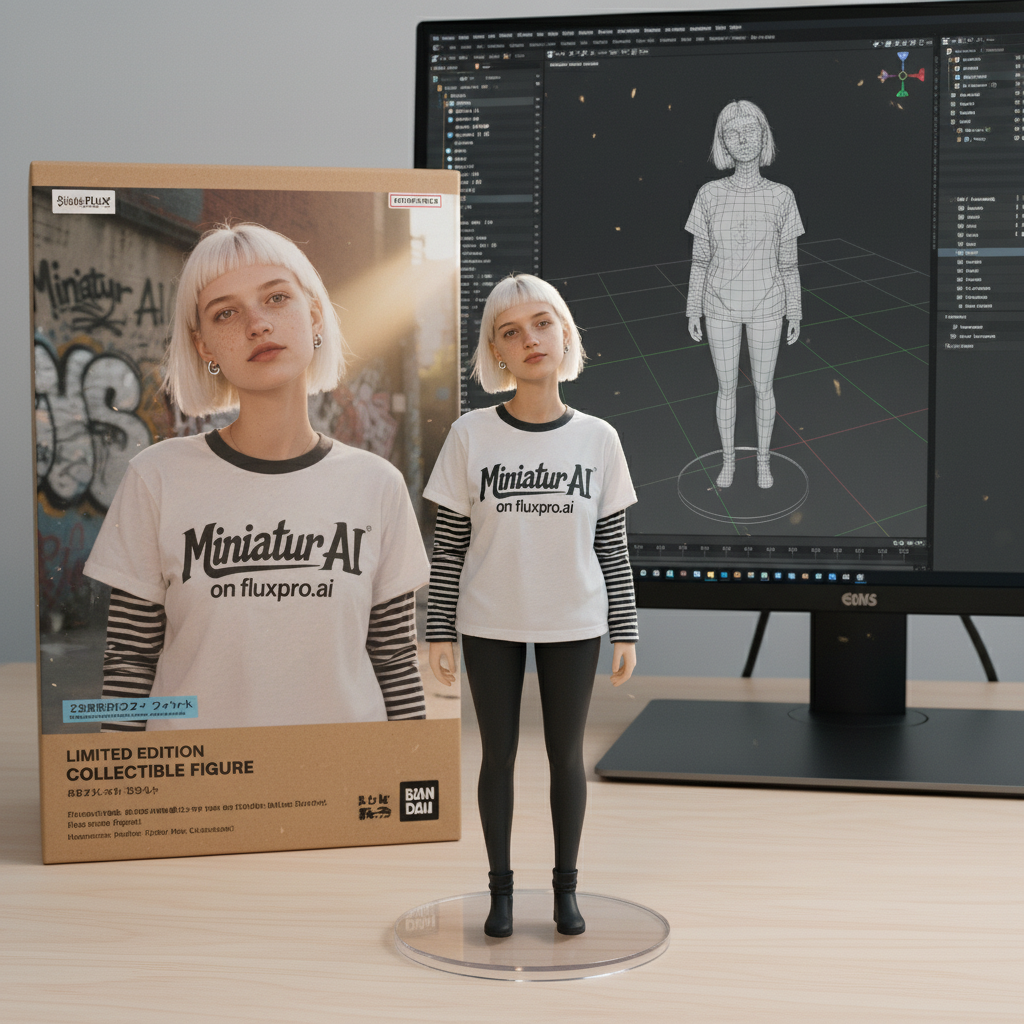
Pet Character Showcase
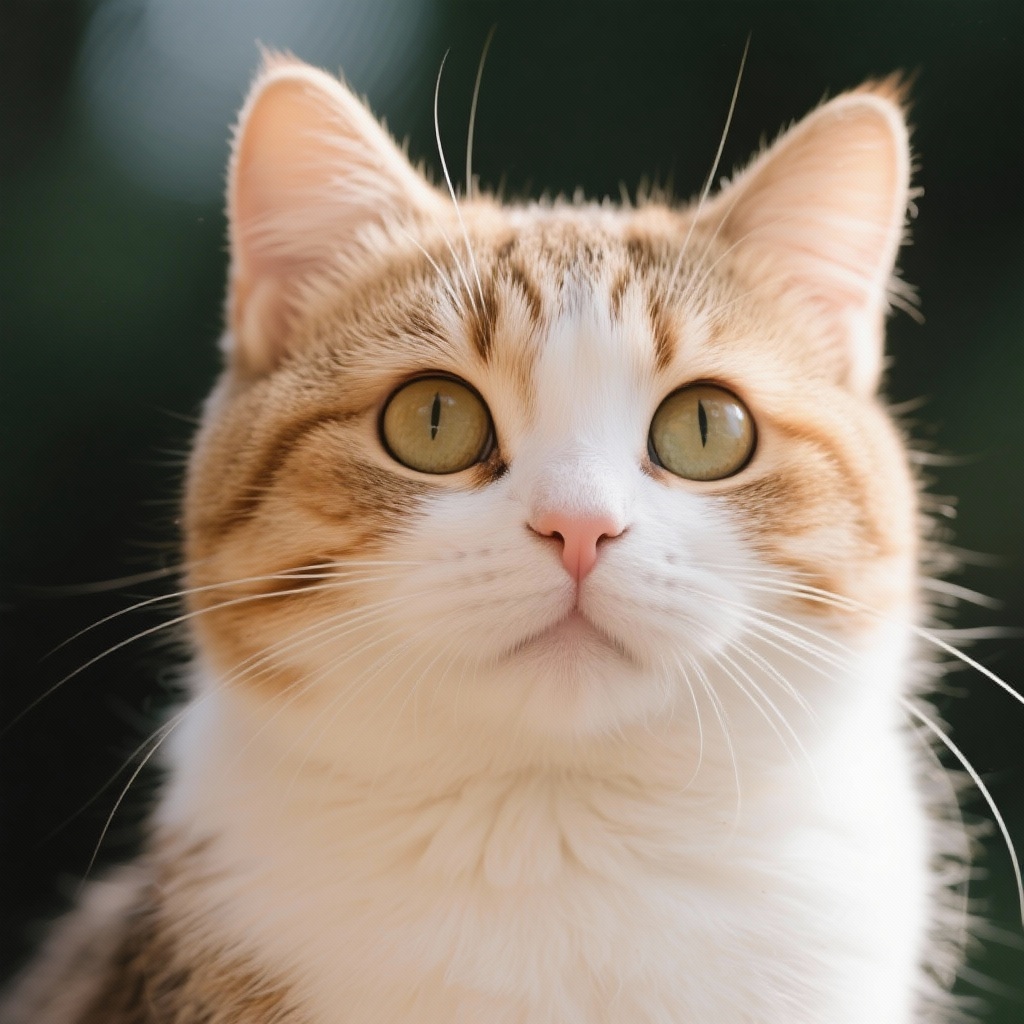
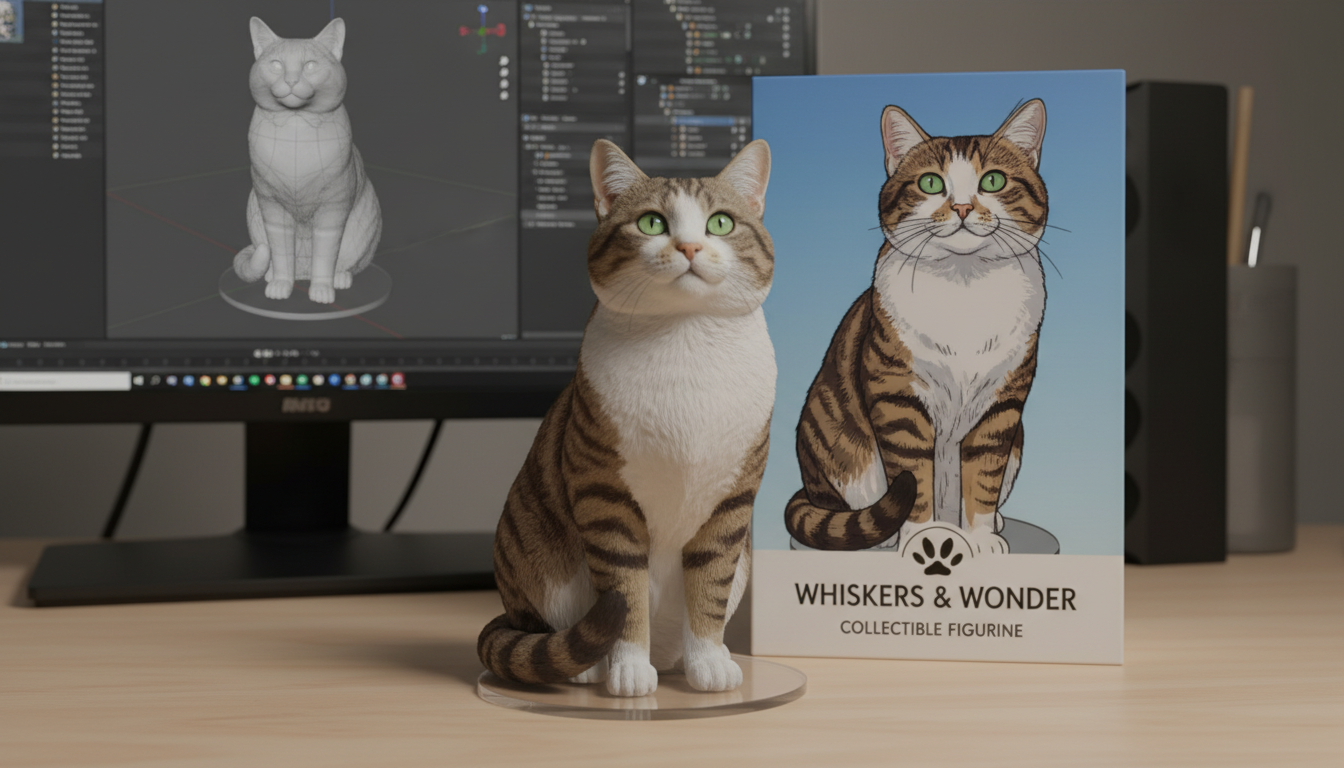
Vehicle Product Mockup
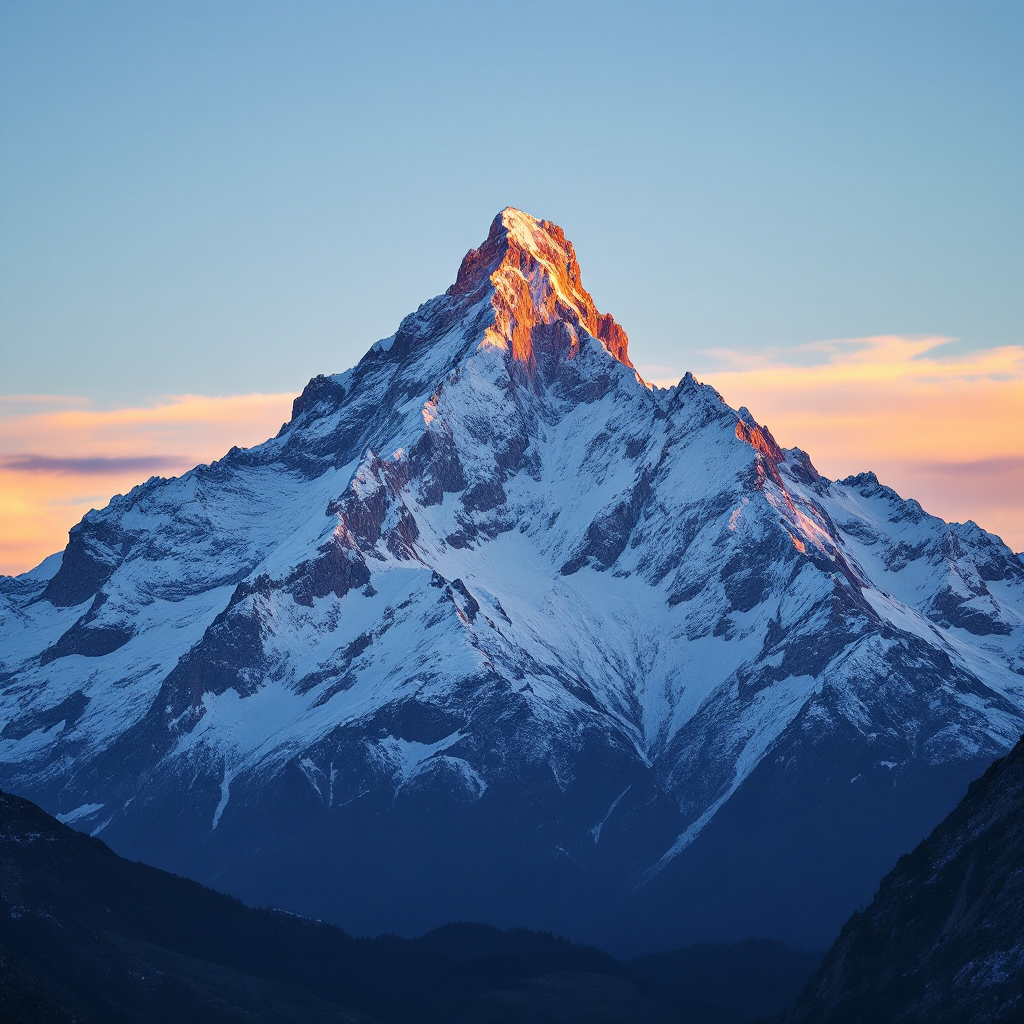
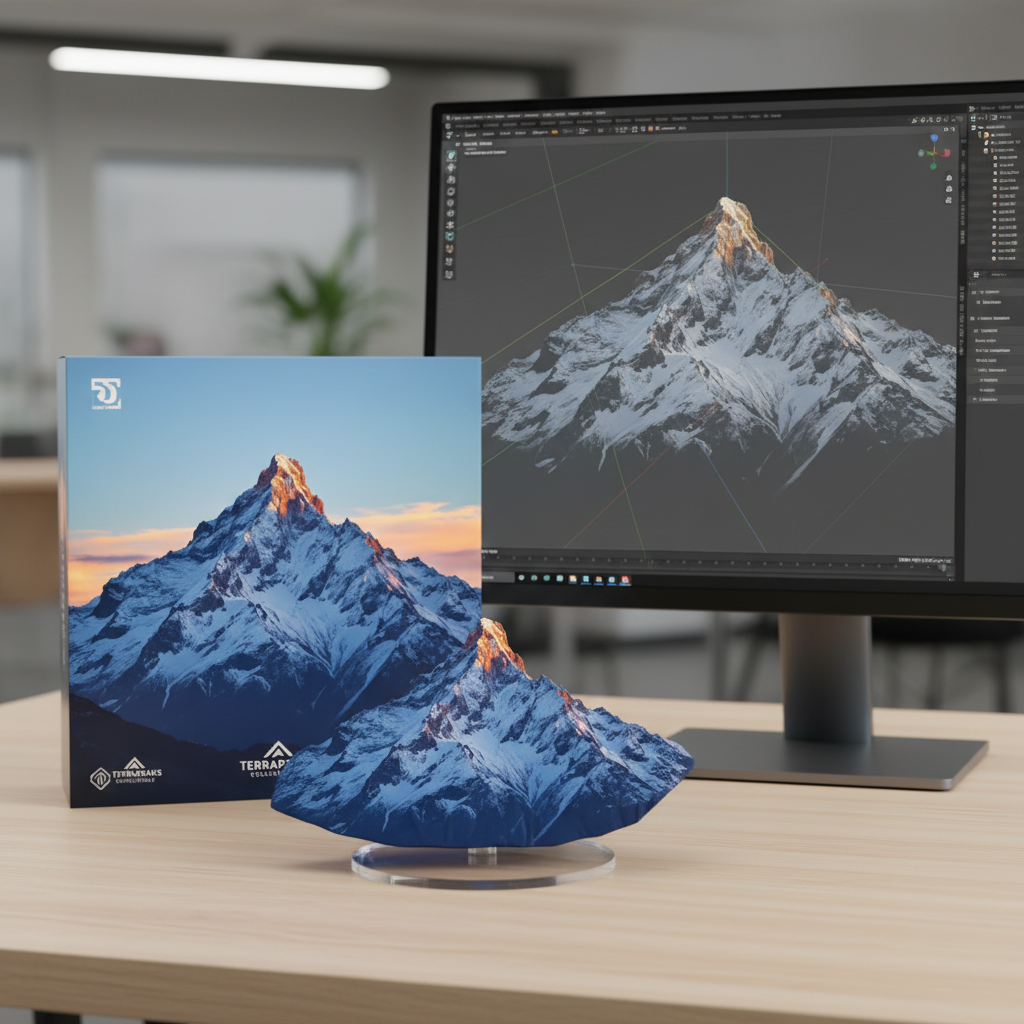
Landscape Style Transfer
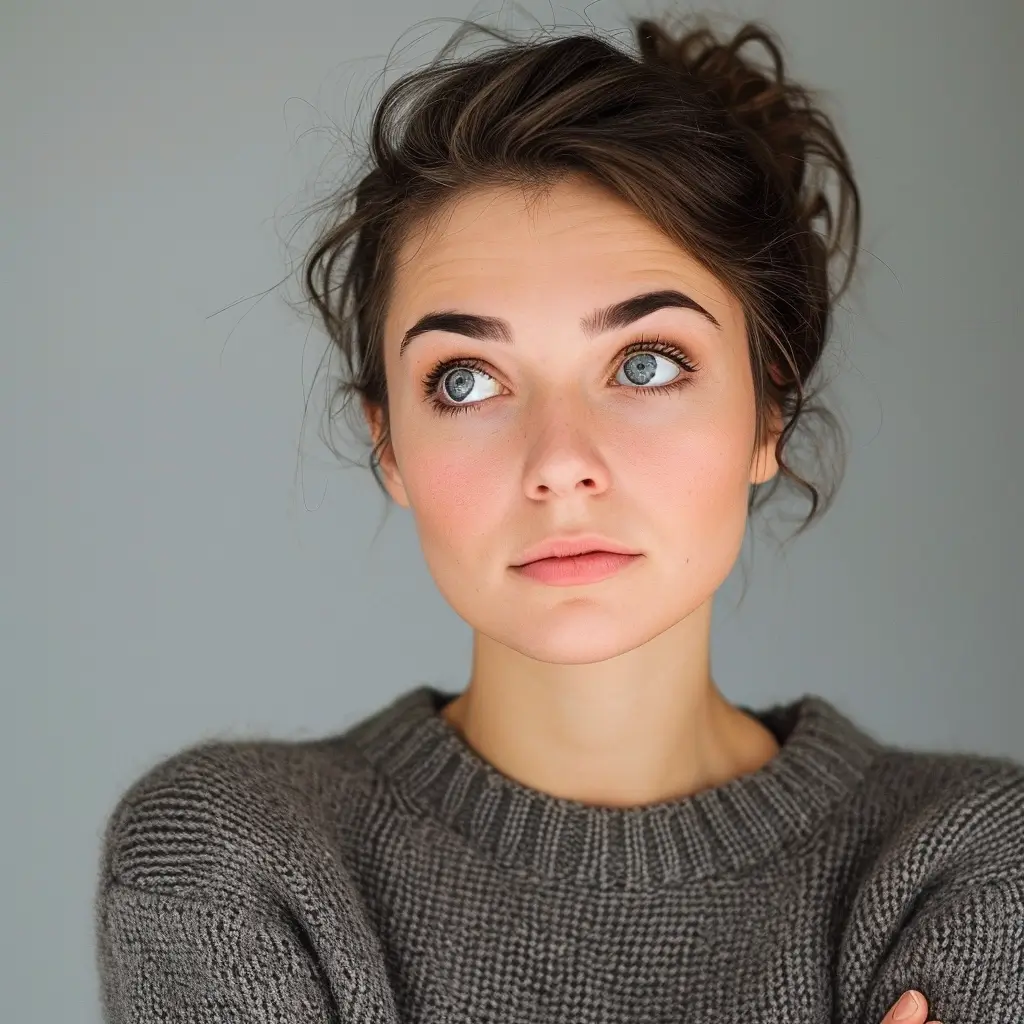
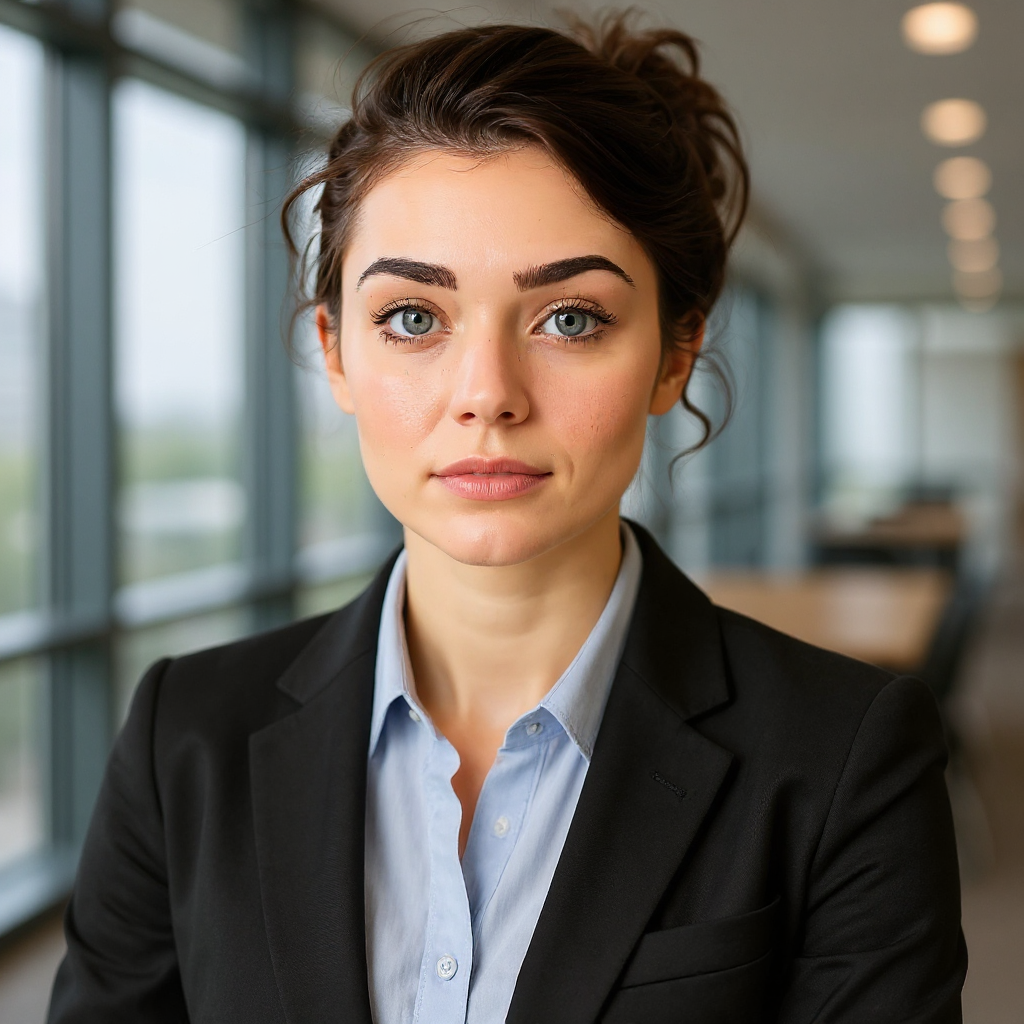
Photorealistic Portrait Generation
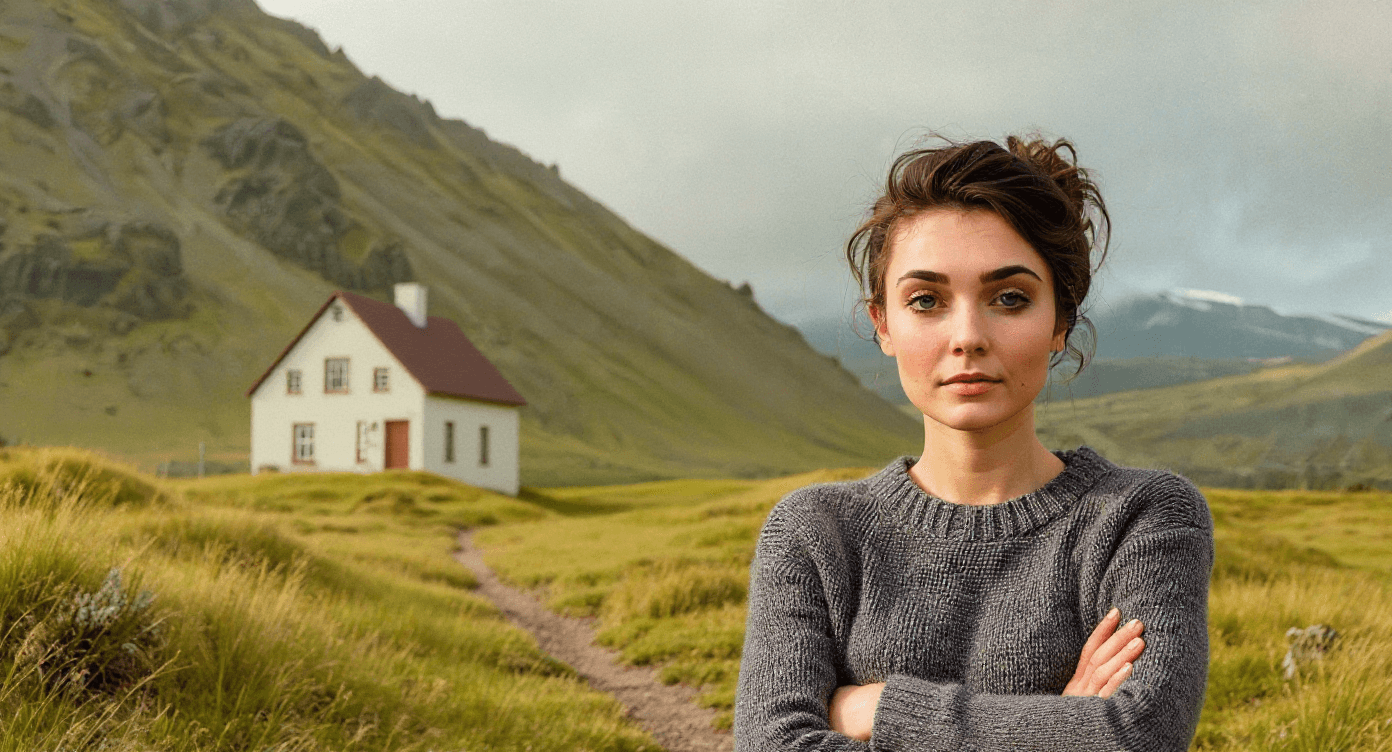
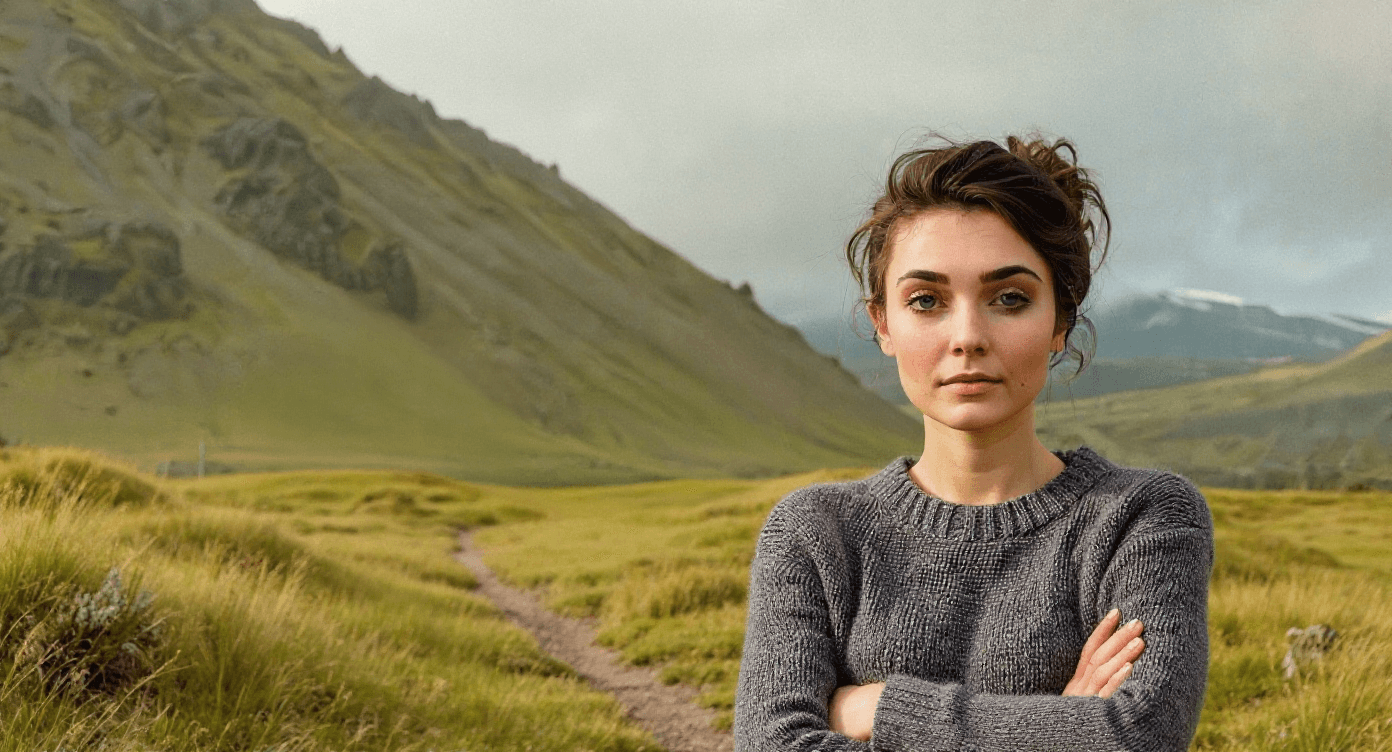
Object Removal
Looking for More AI Tools?
Don't want to create prompts from scratch? Explore our ready-to-use AI applications!
GPT Image 2 Features
Greater Precision and Control
Create structured visuals that follow detailed instructions, from polished layouts to complex object placement.
Stronger Text and Languages
Build posters, comics, product mockups, and multilingual designs with more readable text inside the image.
Styles Built for Real Work
Move between photorealism, editorial design, manga, pixel art, infographics, and campaign-ready creative assets.
How GPT Image 2 Works
Create Your Prompt
Describe the image you want, including composition, text, language, style, and any reference images.
GPT Image 2 Processing
The model interprets your prompt and image inputs to generate or edit high-quality visuals with flexible sizing.
Download Your Creation
Review the result, download it, reuse it as a new input, upscale it, or send it into an image-to-video workflow.
GPT Image 2 AI Tweets Explore
See what creators are saying about GPT Image 2 AI